









Featured Post
The Ultimate Guide to Office Furniture for Ergonomic Workstations
Overview
In today’s busy world, an ergonomic workstation is a must for staying healthy and productive. This guide explores the best office furniture options to build a workspace that supports your body and enhances your workday.
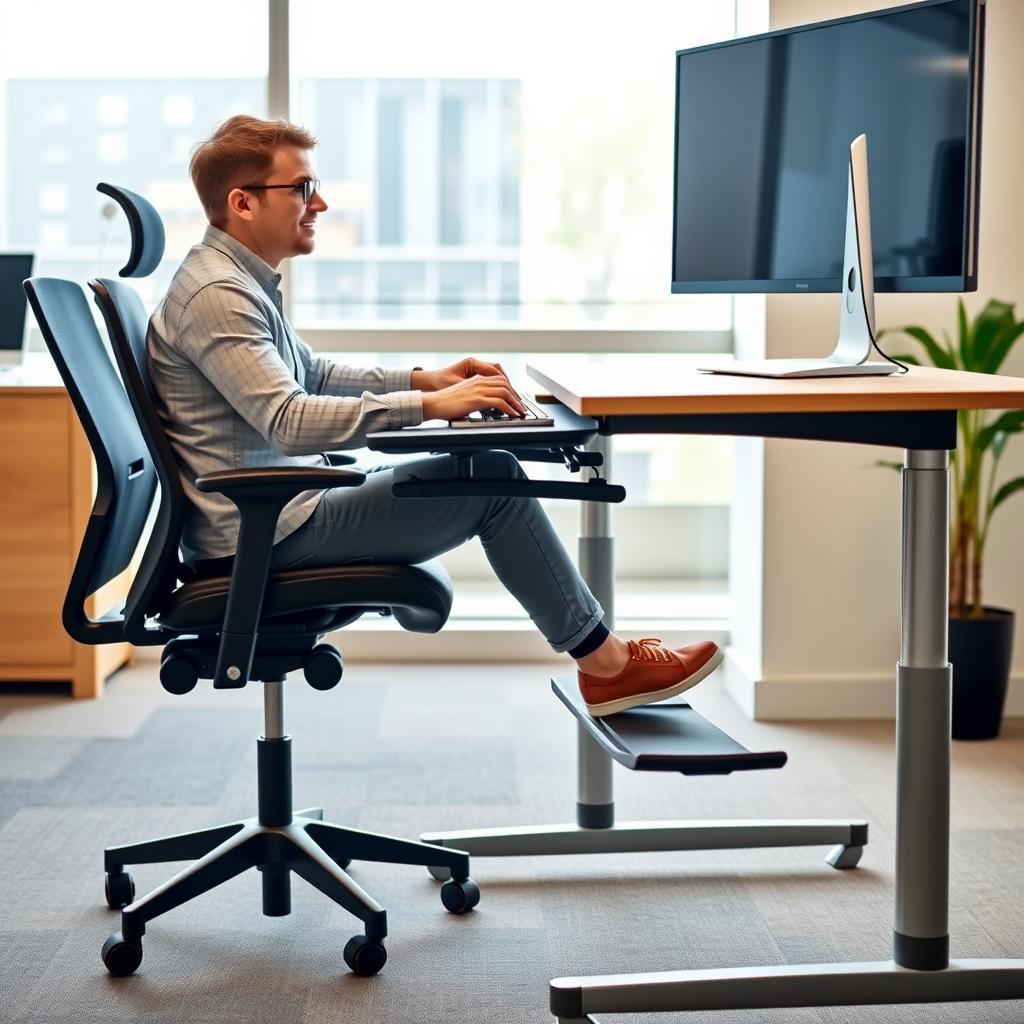
Sitting at a desk all day can take a toll on your body—trust me, I’ve felt the aches myself. That’s where office furniture for ergonomic workstations comes in. It’s designed to fit your body’s natural shape, cutting down on strain and boosting comfort. Whether it’s a chair that cradles your back or a desk that adjusts to your height, the right furniture can transform how you work.
Why Ergonomics Matter
Ergonomics isn’t just a buzzword—it’s about making your workspace work for you. The Occupational Safety and Health Administration (OSHA) says ergonomic setups can lower the risk of muscle and joint problems, which hit office workers hard. I’ve noticed a real difference in my energy levels since switching to ergonomic furniture. It’s like giving your body a break while you power through your tasks.
Key Pieces of Ergonomic Furniture
Let’s break down the essentials for an ergonomic workstation:
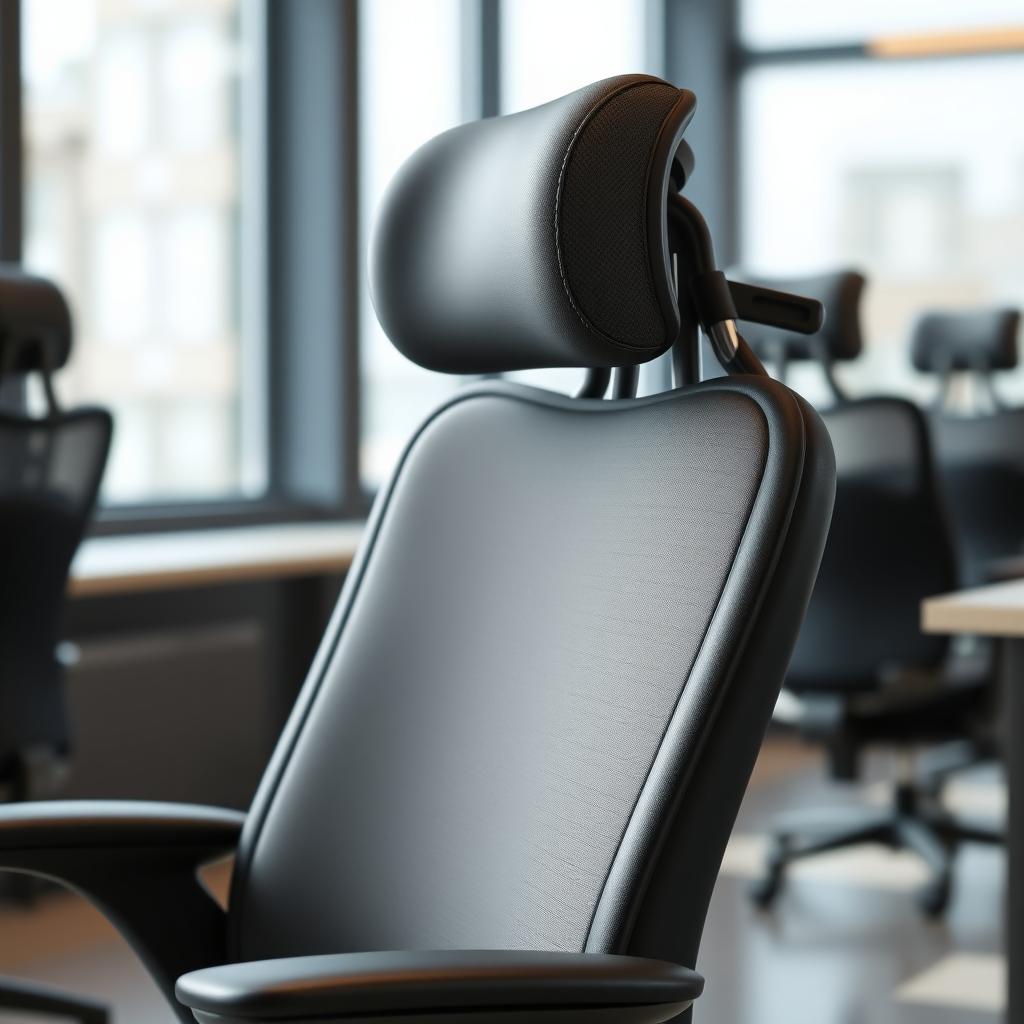
- Chairs: Look for ones with adjustable height, armrests, and lumbar support to keep your spine happy.
- Desks: Adjustable desks, like sit-stand models, let you switch positions and avoid sitting too long.
- Monitor Stands: These keep your screen at eye level, saving your neck from constant bending.
- Keyboard Trays: They position your hands just right, cutting down on wrist aches.
- Footrests: Perfect if your feet don’t reach the floor—they help with circulation.
Picking the Perfect Chair
A good chair is the heart of your setup. Here’s what I’ve learned from testing a few:
- Adjustability: You need to tweak the height and backrest to fit you perfectly.
- Lumbar Support: It’s a game-changer for keeping your lower back comfy.
- Material: Breathable fabric beats leather on hot days—trust me.
- Mobility: Swivel bases and wheels make moving around easy.
My current chair adjusts in ways I didn’t know I needed, and it’s cut my back pain in half.
The Power of Adjustable Desks
Adjustable desks are a big deal—and for good reason. Research from the National Institutes of Health shows that standing part of the day can lower risks like heart disease and even lift your mood. I started using a sit-stand desk last year, and I feel more awake by mid-afternoon. It’s a small change with a big payoff.
How to Set Up Your Workstation
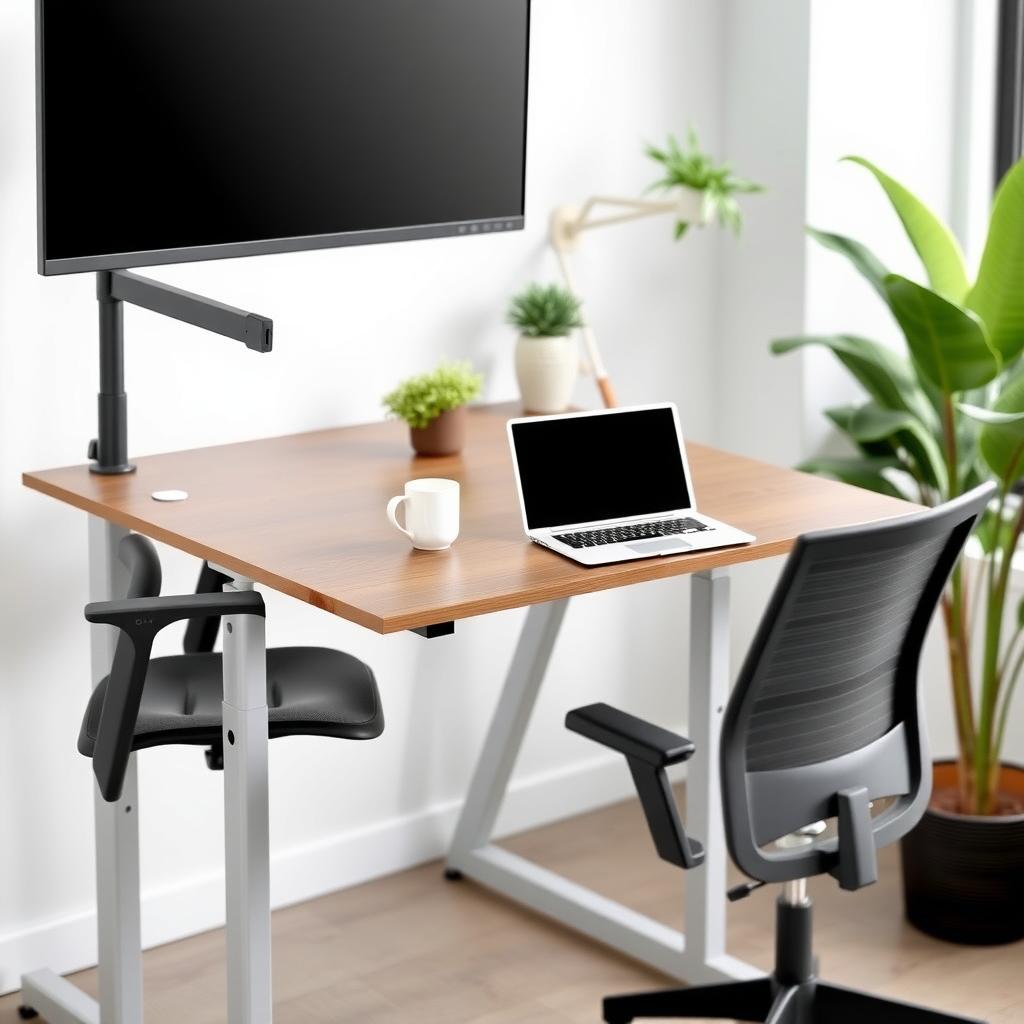
Getting your setup right doesn’t have to be hard. Here’s my step-by-step:
1. Chair: Set it so your feet are flat and knees bend at 90 degrees. Adjust the backrest for support.
2. Desk: Keep it at elbow height when typing—no reaching up or down.
3. Monitor: Position it an arm’s length away, top of the screen at eye level.
4. Keyboard and Mouse: Keep them close so your arms stay relaxed.
5. Lighting: Bright but no glare—I learned that the hard way with screen reflections.
Extra Accessories That Help
Beyond the basics, a few add-ons can level up your setup:
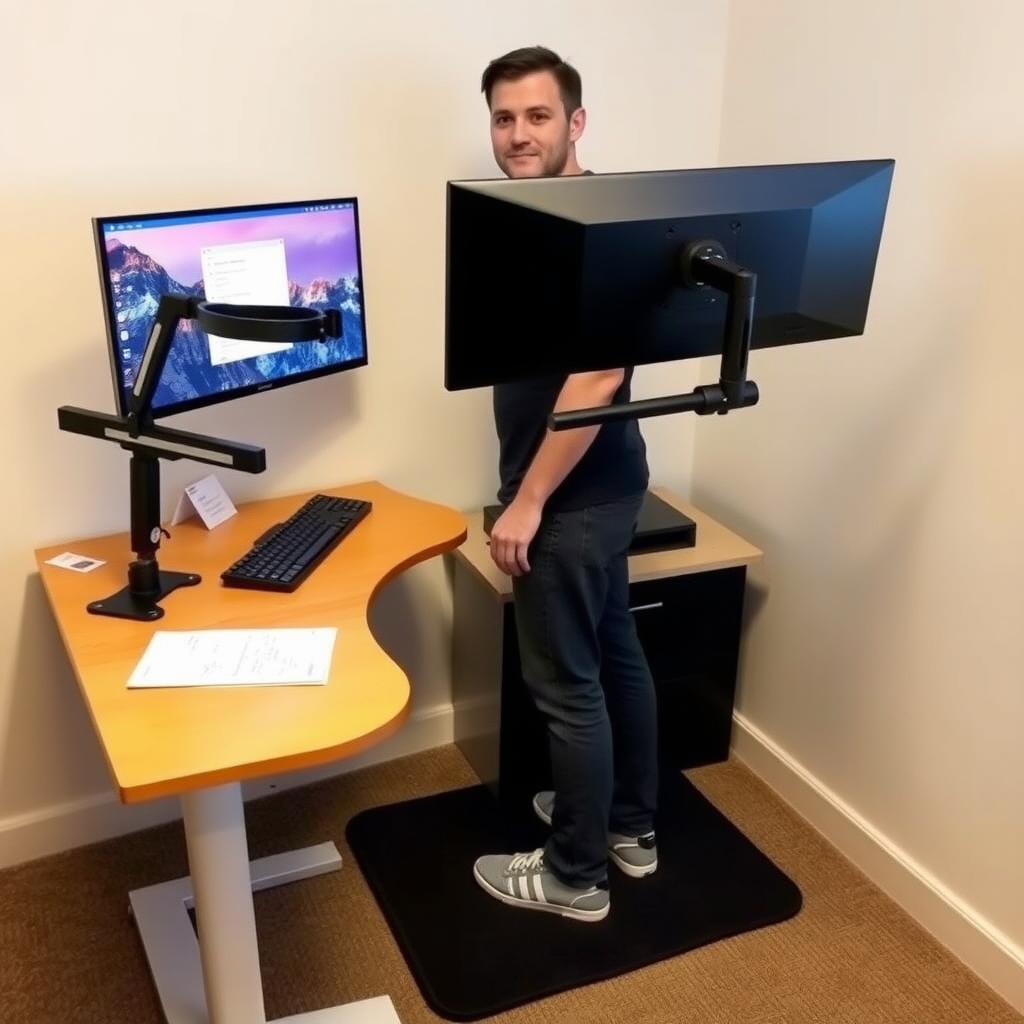
- Monitor Arms: They free up space and let you adjust on the fly.
- Anti-Fatigue Mats: Standing feels better with one of these underfoot.
- Document Holders: No more neck cramps from looking down at papers.
I added a monitor arm last month, and it’s made juggling screens so much easier.
Tying Ergonomics to Well-Being
Ergonomics doesn’t stop at the office. A comfy bed at home plays a huge role too. After a long day, sinking into a supportive mattress helps me recharge for work. Good furniture—whether it’s office furniture for ergonomic workstations or a solid bed frame—keeps you feeling your best, inside and out.
Mistakes I’ve Made (So You Don’t Have To)
Setting up my first ergonomic space wasn’t perfect. Here’s what to watch out for:
- Skipping Adjustments: Fixed furniture doesn’t cut it—customize it to you.
- Monitor Missteps: Mine was too low once, and my neck paid the price.
- No Breaks: Even great furniture can’t fix sitting all day—stretch every hour.
Learning these the hard way taught me how small tweaks make a big difference.

Comparing Top Ergonomic Chairs
Here’s a quick table of chairs I’ve tried or researched:
| Chair Model | Adjustability | Lumbar Support | Price Range | My Take |
|-------------------|---------------|----------------|-------------|-----------------------------|
| Herman Miller Aeron | High | Excellent | $$$ | Worth it if you can splurge |
| Steelcase Leap | High | Great | $$ | My current fave—super comfy |
| Budget Mesh Chair | Medium | Good | $ | Solid for the price |
This can help you pick what fits your needs and wallet.
Real-Life Impact
I used to slump in a cheap chair, and by Friday, I was wiped out. Switching to ergonomic office furniture changed that. My posture’s better, my focus is sharper, and I don’t dread long workdays anymore. It’s not just about furniture—it’s about feeling good while you work.
Conclusion
Building an ergonomic workstation with the right office furniture is a smart move for your health and productivity. From chairs to desks, each piece matters. And don’t forget—comfort at work pairs with rest at home, like a quality bed, to keep you going strong. Start small, adjust often, and feel the difference.