









Featured Post
How to Set Up an Ergonomic Home Office: A Step-by-Step Guide
Quick Overview
Setting up an ergonomic home office doesn't require a big budget or fancy gear. It starts with simple choices in furniture and layout that keep your body happy during long workdays. In this guide, you'll learn how to set up an ergonomic home office that fits your space and style, drawing from real tips that made a difference for me.
Why Bother with Ergonomics in Your Home Office?
I remember my first month working from home. I propped my laptop on the kitchen table and sat on a wobbly stool. By week's end, my back ached, and my neck felt like it carried a backpack full of bricks. That discomfort taught me a hard lesson: ergonomics isn't a luxury—it's essential.
Poor setup leads to real issues. Studies show that bad posture at work can cause musculoskeletal disorders, affecting up to 30% of office workers. But good ergonomics cuts that risk and sharpens your focus. When I switched to a proper setup, my energy lasted all day, and I finished tasks faster.
Think of it as investing in your daily comfort. The Occupational Safety and Health Administration's (OSHA) Computer Workstations eTool offers free, straightforward advice backed by experts. It helped me spot quick fixes, like raising my screen to eye level. You can do the same—no expert degree needed.
Pick the Perfect Desk: Focus on Adjustable Features
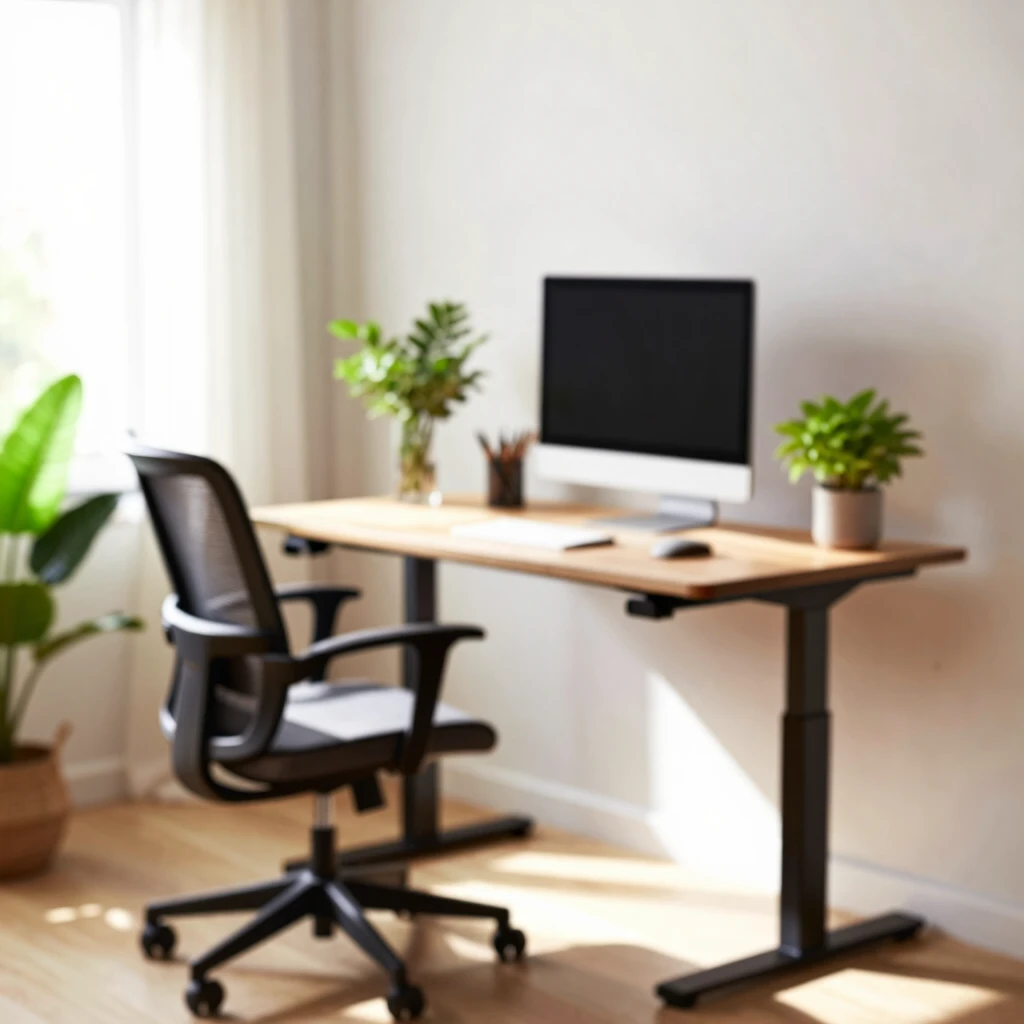
Your desk forms the backbone of how to set up an ergonomic home office. Skip the bed—yes, I tried that once, thinking it'd be comfy. Instead, it left me slouched and sore. Go for office furniture with adjustable features that let you switch between sitting and standing.
Start with height. An ideal desk sits at elbow level when you're seated, about 28-30 inches high for most folks. Adjustable ones let you raise it to 40 inches or more for standing breaks. I got a basic model for under $200, and it changed everything. No more hunching over papers.
Size matters too. Aim for at least 24 inches deep and 48 inches wide to spread out your keyboard, mouse, and notes. Keep it clutter-free to avoid reaching awkwardly.
Here's a quick checklist for desk shopping:
- Adjustability: Height and tilt options?
- Stability: Does it wobble under pressure?
- Material: Smooth surface that's easy to clean.
Pro tip: Measure your space first. Mine fit snugly against a wall, freeing up the room's center. For more guidelines, check the University of Washington's ergonomic tips for home offices, which stress matching desk height to your body's natural angles.
Avoid common pitfalls like using a low coffee table. That forces your arms down, straining shoulders. If budget's tight, stack books under your current setup temporarily. But invest in solid furniture soon—your back will thank you.
Find an Ergonomic Chair That Supports You
Next up: the chair. This piece of furniture ties everything together in your home office. I wasted money on a cheap office chair that flattened my spine. Now, I swear by ones with built-in lumbar support.
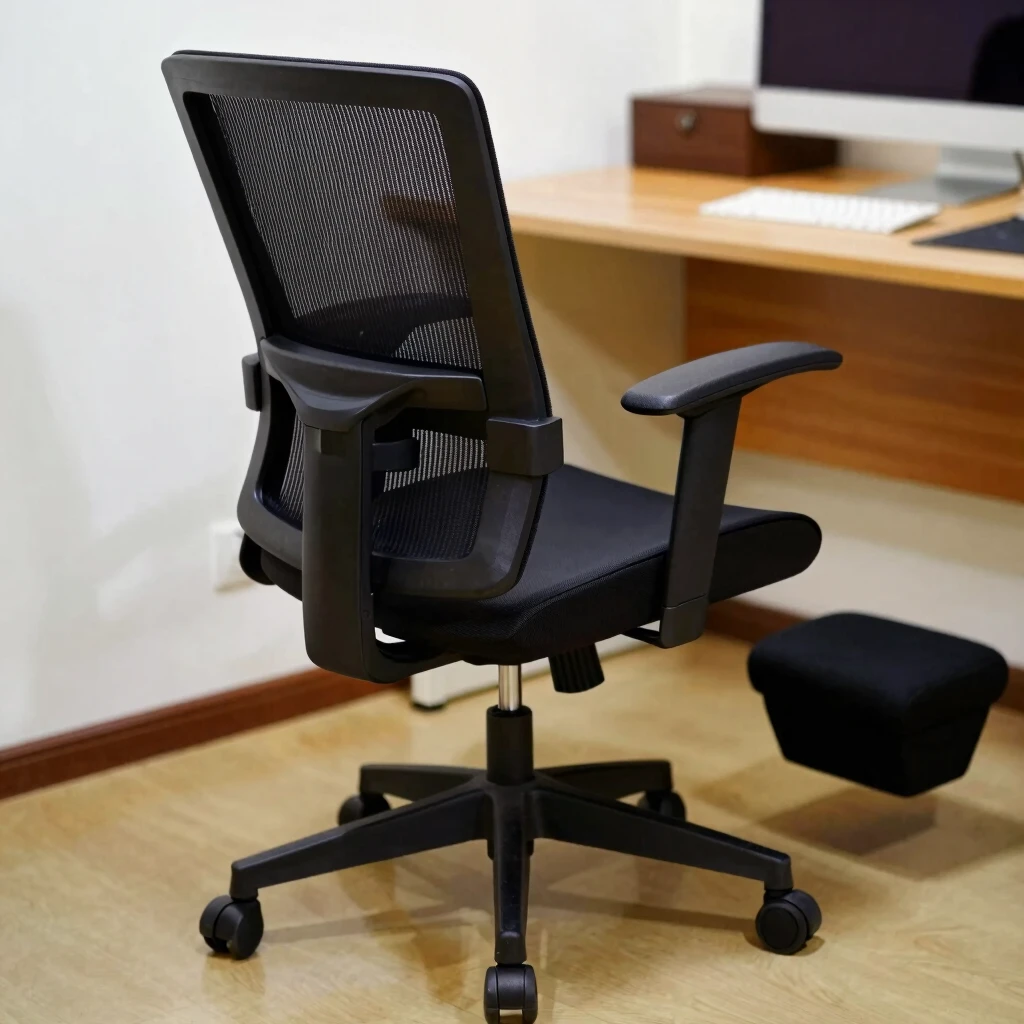
Look for adjustable height, armrests, and backrests. Your feet should touch the floor flat, knees at 90 degrees. If not, grab a footrest—it's a game-changer for shorter legs like mine.
Breathable mesh backs keep you cool during marathon calls. And wheels? They let you roll to grab files without standing.
In my setup, I added a small cushion for extra lower-back hug. It feels custom-made. Remember, test chairs in stores if possible—sit for 10 minutes to feel the fit.
| Feature | Why It Matters | My Pick |
|---|---|---|
| Height Adjustment | Matches desk level | Gas lift mechanism |
| Lumbar Support | Prevents slouch | Built-in curve |
| Armrests | Rests elbows | Padded, adjustable |
The UCLA Ergonomics program's four steps to workstation setup dives deeper into chair tweaks, like reclining slightly for back relief.

Position Your Monitor and Peripherals Right
Screens and inputs deserve prime real estate. Place your monitor at arm's length, top edge at eye level. This cuts neck strain—I used to crane forward, causing headaches.
For laptops, add an external keyboard and raise the screen with a stand. My $20 riser did the trick. Mouse goes next to the keyboard, elbow relaxed.
Cable management keeps things tidy. Use clips to bundle wires under the desk. It reduces trip hazards and that tangled mess vibe.
Quick setup tips: 1. Sit back and reach—your hand should just touch the screen. 2. Center it straight ahead, not off to one side. 3. Take micro-breaks: Look 20 feet away for 20 seconds every 20 minutes (the 20-20-20 rule).
These habits, pulled from OSHA's tool, keep your eyes fresh and posture strong.
Light It Up: Lighting and Ambiance
Dim rooms breed eye fatigue; harsh overheads cause glare. Balance natural light with task lamps. Position your desk near a window but avoid direct sun blasting the screen.
I added a desk lamp with adjustable brightness for evening work. It mimics daylight, easing the transition. Dimmable LEDs are best—soft on the eyes.
Layer lights: Overhead for general, focused for reading, ambient from plants or art. Green thumbs up: Add a few low-light plants. They purify air and lift mood.
Don't overlook noise. A small fan or white noise machine drowns out distractions. My setup now feels like a calm retreat, not a battle zone.
Smart Accessories to Round Out Your Space
Furniture alone isn't enough. Accessories fine-tune comfort. A wireless keyboard frees you to shift positions. Document holders keep papers at eye level, saving neck twists.
Phone stands prevent hunching during calls. And don't forget wrist rests—soft ones for typing marathons.
I keep a timer for stretch breaks: Stand, roll shoulders, touch toes. It recharges me mid-afternoon.
Budget hack: Reuse household items. A sturdy box as a footrest works until you upgrade.
Build Habits for Long-Term Success
Ergonomics thrives on routine. Alternate sitting and standing every hour. Walk during calls. Hydrate— a full glass nearby reminds you.
Track your setup weekly. Does your neck twinge? Adjust. Personal tweak: I play upbeat music for movement cues.
Share your space if family shares the home. Designate 'do not disturb' zones. It keeps focus sharp.
From my trial-and-error, consistency pays off. Your body adapts, energy soars.
Wrapping It Up: Your Ergonomic Home Office Awaits
How to set up an ergonomic home office boils down to thoughtful choices in office furniture with adjustable features, smart positioning, and daily habits. Ditch the bed for dedicated furniture that supports your flow.
You now have the tools—start small, like tweaking your chair today. Feel the difference in weeks. Healthier days mean better work and life. Dive into those linked resources for extras, and tweak as you go.