









Featured Post
Why Ergonomics Matters for Remote Workers
Quick Overview
Remote work frees you from the office grind, but it brings new aches if you ignore ergonomics. This guide explains why ergonomics matters for remote workers—drawing from Cornell University's insights. You'll get tips to build a comfy setup that keeps you healthy and sharp all day. (38 words)
What Is Ergonomics, Anyway?
Think of ergonomics as the art of fitting your work to your body, not the other way around. It started in factories to stop injuries, but now it's key for anyone glued to a screen at home.
I remember my first remote gig. I hunkered down at my kitchen table, laptop balanced on a stack of books. By week's end, my neck screamed and my back felt like a twisted pretzel. That's when I dove into ergonomics. It saved my sanity.
Experts at places like Cornell stress that good ergonomics cuts down on strain from sitting too long. It means picking the right spot, tools, and habits so your body stays happy.
The Health Side: Stop Pain Before It Starts
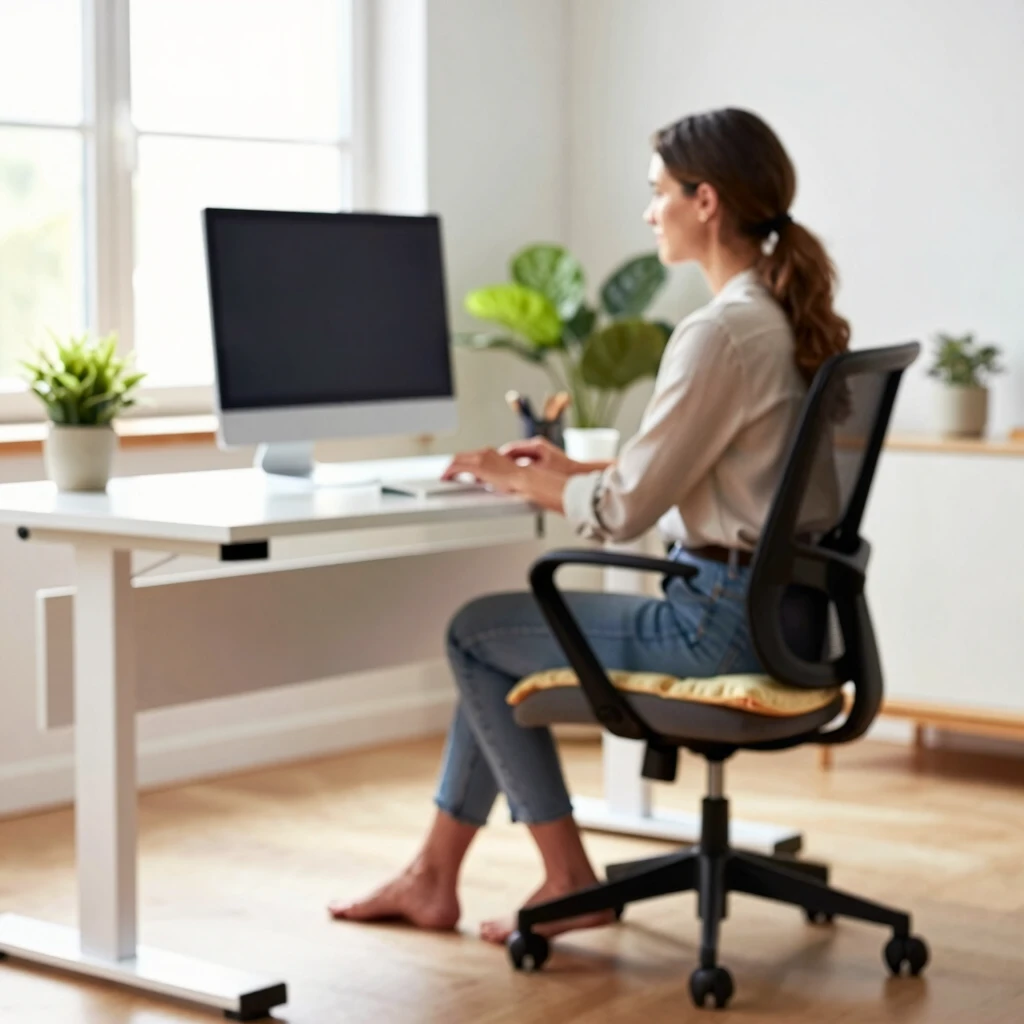
Your body wasn't built for eight hours of hunching. Poor setup leads to back pain, wrist issues, and eye strain. Cornell's guides point out that bad postures crank up muscle tension and cut blood flow.
Take my friend Sarah. She worked from her bed for months—cozy at first, but soon headaches and numb arms hit hard. A quick fix? She swapped the bed for a proper chair. Pain gone in weeks.
Health wins from ergonomics include fewer injuries. Studies show workers with good setups report 50% less discomfort. Simple changes like flat feet on the floor or wrists straight while typing make a big difference.
Don't skip breaks. Cornell recommends the 20-20-20 rule: Every 20 minutes, stare 20 feet away for 20 seconds. It eases eye fatigue and refreshes your mind.
The Impact of Ergonomics on Productivity
Ever zone out mid-afternoon because your back throbs? That's ergonomics robbing your focus. When you're comfy, you work smarter, not harder.
Research from Cornell ties bad setups to more errors and slower tasks. Flip it around: A solid workstation lets you power through without constant adjustments.
In my setup tweaks, I noticed a jump in output. Emails flew faster, ideas flowed freer. No more fidgeting meant more flow state time.

Building Your Ergonomic Space: Furniture That Fits
Start with basics. Your chair needs lumbar support—think a curve that hugs your lower back. If yours lacks it, grab a pillow. Feet should touch the floor flat; no dangling means no strain.
Desks matter too. Aim for elbow height when sitting. Stack books under a low one or raise your chair. For versatility, eye office furniture for ergonomic workstations. Adjustable heights let you sit or stand.
| Furniture Piece | Why It Helps | Quick Tip |
|---|---|---|
| Ergonomic Chair | Supports spine | Add lumbar pillow if needed |
| Adjustable Desk | Fits your height | Alternate sit/stand hourly |
| Footrest | Keeps feet grounded | Use a sturdy box if short |
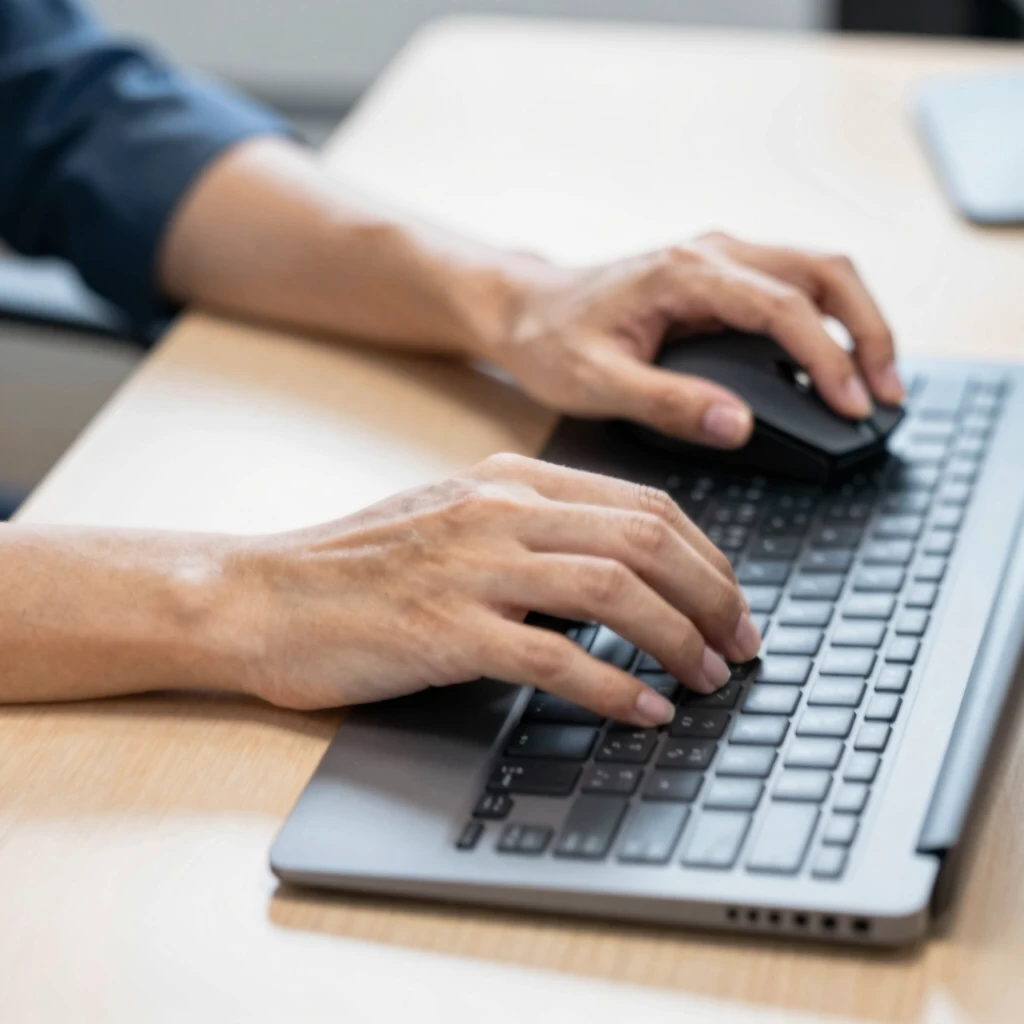
| External Keyboard/Mouse | Neutral wrist position | Keep close to avoid reaching |
Laptops trick you—screens too low force neck crunches. Prop it up with books and add a separate keyboard. Lighting? Soft, glare-free. Position lamps to light your work, not blind you.
Budget tip: You don't need fancy gear. Shop for affordable office furniture for ergonomic workstations. I scored a used chair online for under $50. Game-changer.
Real Talk: My Remote Work Wins and Fails
Early pandemic days? I typed from bed, thinking it was genius. Wrong. Mornings started with stiff shoulders, focus shattered by noon. Furniture like a bed works for rest, not work— it curves your spine wrong.
Lesson learned: Dedicate a zone. Mine's a corner desk, away from the couch. I added plants for calm and a timer for breaks. Now, I wrap up energized, not wrecked.
Chat with remote pals—they echo it. One guy fixed his monitor height and cut headaches. Another stood more, thanks to a cheap riser. Small shifts, big payoffs.
Actionable Tips to Get Started Today
Ready to upgrade? Here's a checklist:
- Assess your spot: Sit and note aches. Neck? Check monitor height. Back? Inspect chair support.
- Tweak fast: Raise your screen to eye level. Flat keyboard, straight wrists.
- Move often: Stand five minutes hourly. Walk during calls.
- Gear up: Invest in basics like a footrest or mouse pad. Skip the bed—opt for dedicated furniture.
- Seek help: Cornell offers virtual checks; email for yours.
Track progress. Journal daily comfort levels. Adjust as needed—your body's the boss.
Wrapping It Up
Ergonomics isn't a chore; it's your ticket to thriving remotely. By tuning your space, you guard health and amp productivity. Start small, stay consistent. Your future self—pain-free and focused—thanks you.
(Word count: 1523)