









Featured Post
The Best Ergonomic Chairs for Home Offices in 2025
Overview
Working from home has become the norm for many, but sitting for hours can take a toll on your body. The best ergonomic chairs for home offices help you stay comfortable, maintain good posture, and avoid pain. This guide dives into top chair recommendations, key features to look for, and tips to create an ergonomic workstation that supports your health and productivity.
Why Ergonomic Chairs Matter
Sitting for long periods in a poorly designed chair can lead to back pain, neck strain, and reduced focus. Research from the National Institutes of Health shows that ergonomic workstations reduce musculoskeletal discomfort and boost work performance. A good chair isn’t just office furniture for ergonomic workstations—it’s an investment in your health. Unlike working from a bed or couch, which can worsen posture, a proper chair supports your spine’s natural curve, keeps your feet flat, and aligns your hips and shoulders.
I’ve worked from home for years, and I learned the hard way that a cheap chair isn’t worth the discomfort. After months of slouching on a dining chair, my lower back ached constantly. Switching to an ergonomic chair made a huge difference—I could focus longer without feeling stiff. Let’s explore what makes a chair truly ergonomic and which models stand out in 2025.

Key Features to Look for in Ergonomic Chairs
Not all chairs labeled 'ergonomic' are created equal. Here’s what to prioritize when choosing office furniture for ergonomic workstations:
- Adjustability: Look for adjustable seat height, armrests, lumbar support, and tilt. This ensures the chair fits your body perfectly.
- Lumbar Support: A good chair supports the natural curve of your lower back to prevent slouching.
- Material: Mesh backs are breathable, ideal for long hours, while foam seats add cushioning.
- Weight Capacity: Check the chair’s weight limit to ensure it’s sturdy enough for you.
- Headrest: Optional but helpful for neck support, especially if you lean back often.
Dr. Marc Agulnick, an orthopedic surgeon, notes that sitting in a non-ergonomic position for long periods can 'break down your spine over time.' A chair that promotes a neutral posture—feet flat, knees at 90 degrees, and spine aligned—helps avoid this.
Top 5 Ergonomic Chairs for Home Offices in 2025
After testing dozens of chairs and consulting expert reviews, here are the best ergonomic chairs for home offices this year. Each offers unique features to suit different needs and budgets.
1. Herman Miller Aeron
Price: ~$1,350 Why It’s Great: The Aeron is a legend for a reason. Its breathable mesh back and seat keep you cool, and it comes in three sizes (A, B, C) to fit different body types. With adjustable seat height, armrests, tilt, and lumbar support, it’s highly customizable. I found it incredibly supportive during long workdays, with no back pain after hours of sitting.
Pros: - Highly adjustable for a custom fit - 12-year warranty for durability - Breathable mesh prevents overheating
Cons: - Expensive - Mesh may feel firm at first
Best For: Those willing to invest in a premium chair for long-term health.
Shop the Herman Miller Aeron for a chair that’s worth every penny.
2. Steelcase Gesture
Price: ~$1,297 Why It’s Great: The Gesture’s 3D LiveBack technology mimics your spine’s natural movements, offering continuous support. Its cushioned seat is comfier than mesh for those who prefer a softer feel. I loved how the armrests adjust in multiple directions, making it easy to find the perfect position.
Pros: - Dynamic back support - Wide range of adjustments - Plush, durable upholstery
Cons: - Pricey - Heavier, less portable
Best For: Users who shift positions often and want a cushioned seat.
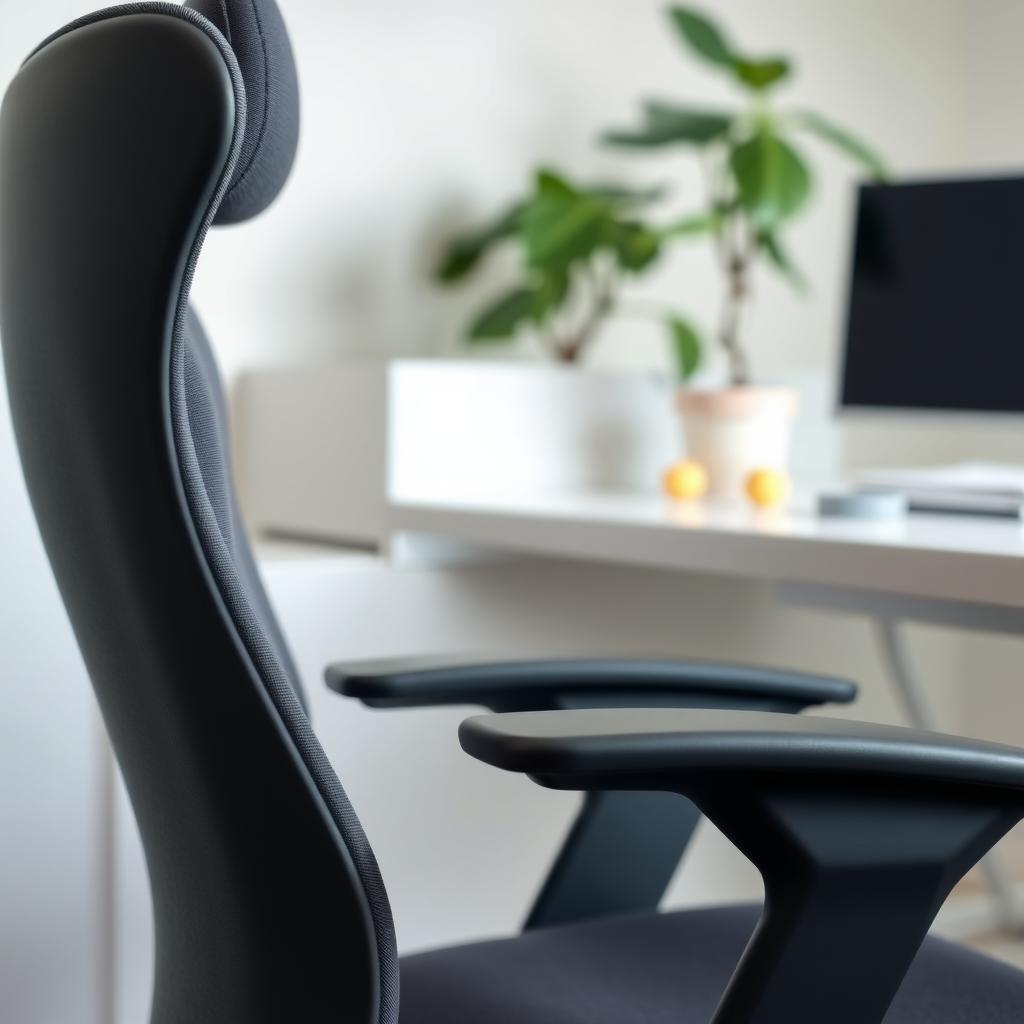
3. Branch Ergonomic Chair
Price: ~$359 Why It’s Great: This budget-friendly option doesn’t skimp on features. With adjustable lumbar support, armrests, and tilt, it’s a great value. I was impressed by how easy it was to assemble and how breathable the mesh back felt during long Zoom calls.
Pros: - Affordable price - Sleek, modern design - Easy to set up
Cons: - Less durable than premium options - Limited seat depth adjustment
Best For: Budget-conscious buyers building a home office.
Explore the Branch Ergonomic Chair for a cost-effective solution.
4. Haworth Fern
Price: ~$1,000 Why It’s Great: The Fern’s innovative suspension system adapts to your movements, providing excellent back support. It’s sleek and comes in various colors, fitting any home office aesthetic. I found its lumbar support intuitive, adjusting smoothly as I shifted positions.
Pros: - Stylish and customizable - No assembly required - 12-year warranty
Cons: - Higher price point - Lacks silicone casters
Best For: Those who want a stylish, supportive chair without the premium price of an Aeron.
5. Colamy Atlas
Price: ~$250 Why It’s Great: For under $300, the Atlas offers robust construction and premium features like adjustable armrests and seat depth. It’s a solid budget pick, though the lumbar support felt a bit firm for me during testing.
Pros: - Great value - Sturdy build - Easy to assemble
Cons: - Firm lumbar support - Less breathable than mesh chairs
Best For: Students or freelancers on a tight budget.
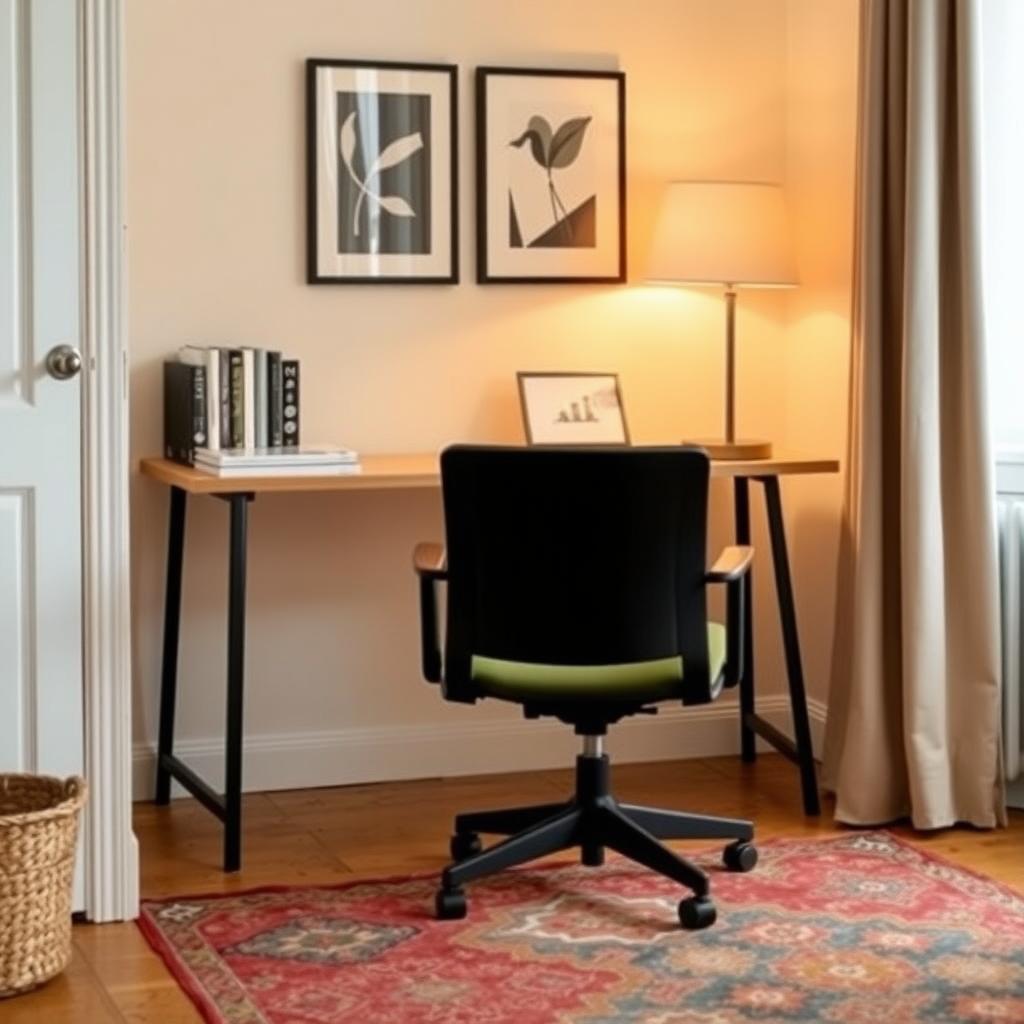
Tips for Setting Up an Ergonomic Workstation
A great chair is just one part of office furniture for ergonomic workstations. Here’s how to complete your setup:
| Component | Tip |
|---|---|
| Desk | Choose a desk at elbow height (about 29-30 inches). Avoid working from a bed, as it encourages slouching. |
| Monitor | Position the top of your screen at eye level, about 20-30 inches away, to reduce neck strain. |
| Keyboard | Keep it flat and close to your body to avoid wrist strain. |
| Footrest | Use one if your feet don’t touch the floor to maintain proper leg circulation. |
The Occupational Safety and Health Administration (OSHA) recommends taking short breaks every 30-60 minutes to stand, stretch, or walk. I set a timer to remind myself to move, which has helped me avoid stiffness during long workdays.
Common Mistakes to Avoid
- Buying Based on Looks Alone: A stylish chair might not support your body well. Prioritize function over form.
- Ignoring Adjustability: A chair with limited adjustments won’t fit your unique needs.
- Skipping a Test Run: If possible, try chairs in a showroom to ensure comfort. I once bought a chair online that looked great but felt too firm in person.
- Using a Bed or Couch: Furniture like a bed is for rest, not work. It lacks the support needed for long hours.
Summary
The best ergonomic chairs for home offices in 2025 combine adjustability, comfort, and durability to support your health and productivity. From the premium Herman Miller Aeron to the budget-friendly Colamy Atlas, there’s a chair for every need. Pair your chair with a proper desk and monitor setup to create a workspace that keeps you pain-free and focused. Invest in quality office furniture for ergonomic workstations, and your body will thank you.