









Featured Post
Best Accessories for a Productive Workspace: Elevate Your Home Office
Overview
Creating a productive workspace at home is more than just a desk and a chair. It’s about curating an environment that supports focus, comfort, and efficiency. The Best Accessories for a Productive Workspace can transform your home office into a hub of creativity and productivity, blending ergonomic furniture with smart tech solutions.
Why Your Workspace Matters
Your workspace directly impacts your mood, health, and output. A cluttered desk or an uncomfortable chair can sap your energy, while a well-designed setup boosts focus. I’ve spent years tweaking my home office, learning what works through trial and error. From back pain caused by a cheap chair to the joy of a perfectly positioned monitor, the right accessories make all the difference.
Let’s explore the Best Accessories for a Productive Workspace, focusing on ergonomic furniture, tech tools, and small touches that elevate your daily grind. Whether you’re working from a dedicated room or a corner of your bedroom, these tips will help you build a space that works as hard as you do.
The Best Ergonomic Chairs for Home Offices
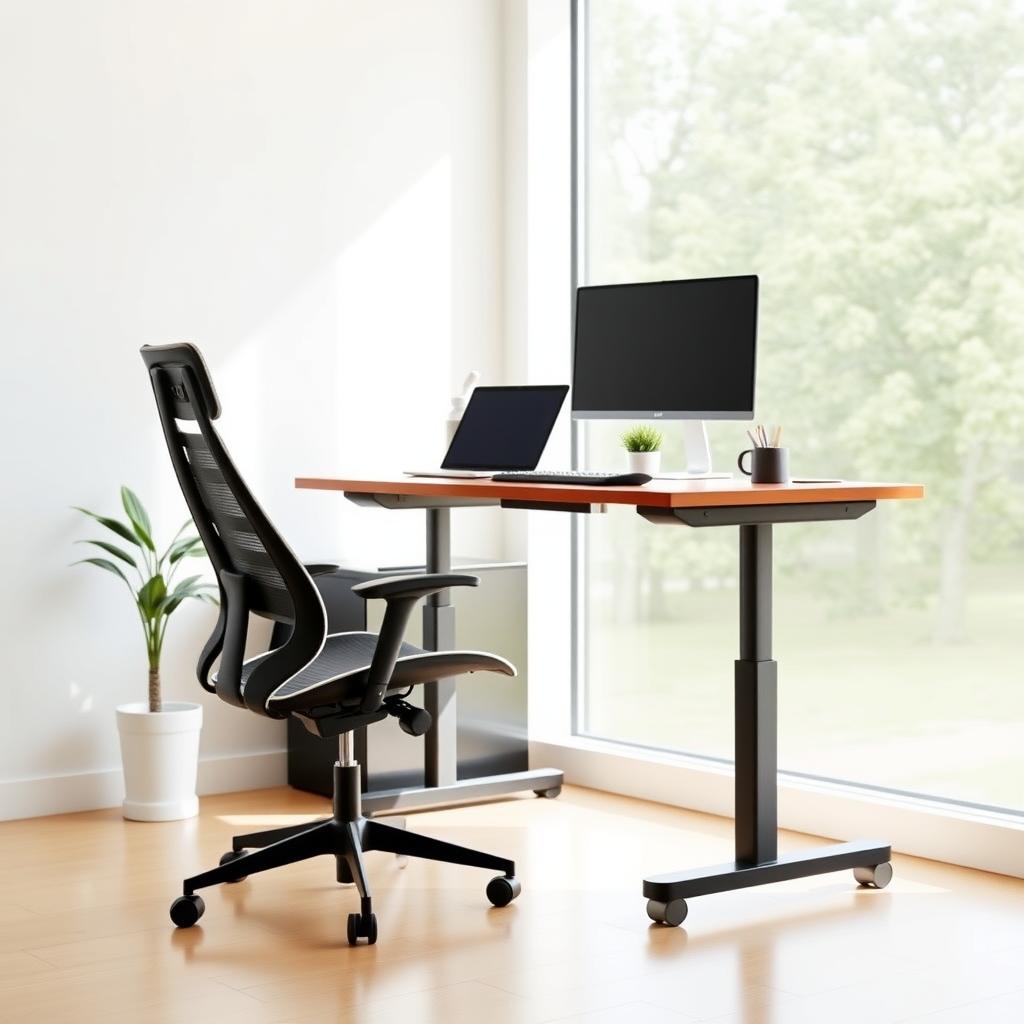
A good chair is the backbone of any workspace—literally. After hours of sitting, I learned the hard way that a cheap chair leads to stiff shoulders and a sore back. The Best Ergonomic Chairs for Home Offices prioritize lumbar support, adjustability, and breathable materials. Here are my top picks:
- Herman Miller Aeron: Adjustable arms, lumbar support, and a breathable mesh back. It’s pricey but worth it for long-term comfort.
- Steelcase Gesture: Offers 360-degree armrests and a flexible backrest, perfect for dynamic sitting.
- Secretlab Titan Evo: Originally designed for gamers, its plush cushioning and adjustable lumbar support make it a surprising fit for offices.
When choosing a chair, test it for at least 30 minutes if possible. Your body will tell you what works. I switched to an ergonomic chair two years ago, and my posture and energy levels improved noticeably.
Desks and Office Furniture for Ergonomic Workstations
Your desk is the foundation of your workspace. Office furniture for ergonomic workstations should support flexibility—think adjustable heights and ample surface area. Standing desks are a game-changer. I started using one after noticing how sluggish I felt after long sitting sessions. The ability to switch between sitting and standing keeps me alert.
Top Desk Recommendations
| Desk Model | Key Features | Price Range |
|---|---|---|
| Fully Jarvis Standing Desk | Height-adjustable, customizable sizes, sturdy frame | $500-$800 |
| Uplift V2 | Dual motors, 350-lb weight capacity, eco-friendly materials | $600-$1000 |
| IKEA Bekant | Budget-friendly, electric height adjustment | $300-$500 |
Pair your desk with a monitor arm to free up space and adjust screen height. I use a dual-monitor setup, which saves me from neck strain and boosts multitasking. If you’re tight on space, consider a wall-mounted desk to keep your bedroom or small apartment clutter-free.
Tech Accessories for Efficiency
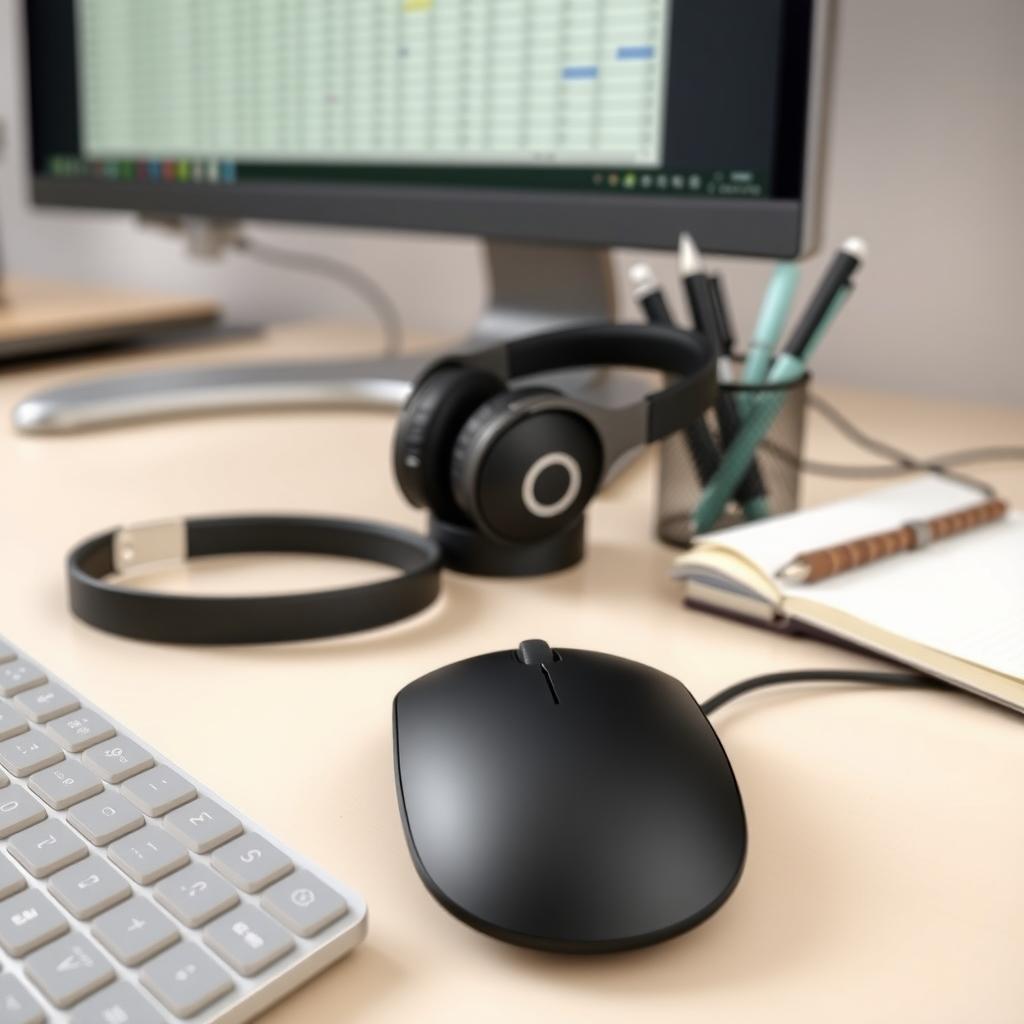
Beyond furniture, tech accessories streamline your workflow. A wireless keyboard and mouse reduce cable clutter, while a docking station keeps your devices connected. I rely on a USB-C hub to manage my laptop, external monitor, and peripherals seamlessly.
- Logitech MX Keys: A low-profile keyboard with backlighting, perfect for late-night work.
- Anker USB-C Hub: Connects multiple devices with one port, ideal for minimalist setups.
- Blue Yeti Microphone: Crystal-clear audio for virtual meetings, a must for remote workers.
A good pair of noise-canceling headphones, like the Sony WH-1000XM5, blocks distractions. I use mine to focus during noisy afternoons when my neighbor’s dog decides it’s bark-o’clock.
Lighting and Ambiance
Lighting sets the mood. Harsh overhead lights strain your eyes, while soft, warm lighting creates calm. I swapped my old desk lamp for a BenQ e-Reading LED lamp, which adjusts brightness and color temperature. Natural light is ideal, so position your desk near a window if possible.
Add a small plant or two for a touch of nature. My desk has a low-maintenance pothos that brightens my space without demanding much care. These small details make your workspace feel less sterile and more inviting.
Organization and Storage Solutions
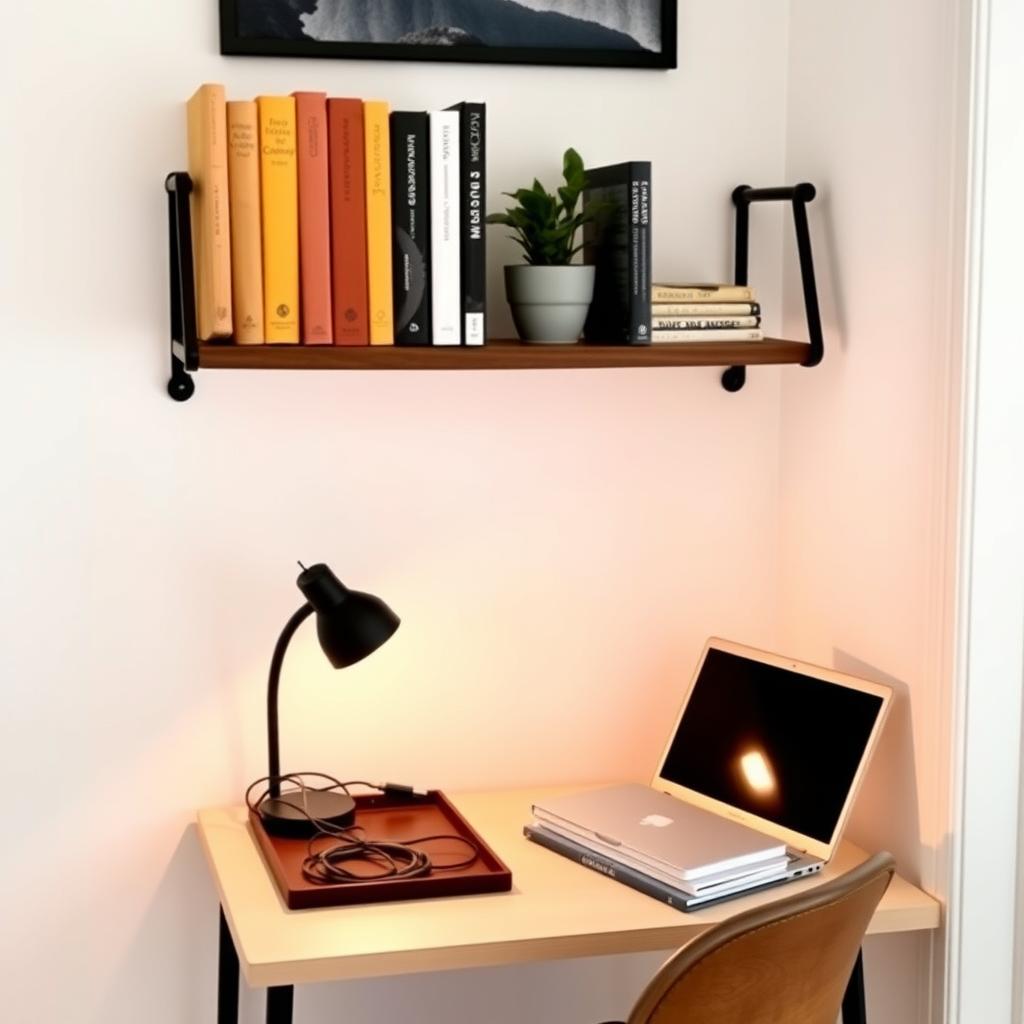
A cluttered desk kills focus. Invest in cable organizers, drawer dividers, and shelves to keep things tidy. I use a simple cable tray under my desk to hide wires, and it’s a lifesaver. Wall-mounted shelves are great for small spaces, keeping books and supplies within reach without crowding your desk.
If your workspace doubles as a bedroom, consider multifunctional furniture like a desk with built-in storage. This keeps your space functional without sacrificing style.
Personal Touches for Motivation
Your workspace should reflect your personality. A framed photo, a favorite mug, or a vision board can spark joy during long workdays. I keep a small sketchbook on my desk for quick doodles when I need a mental break. These touches make your space feel like yours, which boosts motivation.
Avoid overloading your desk with knickknacks, though. A few meaningful items are enough to personalize without cluttering.
Budget-Friendly Tips
You don’t need to break the bank to build a productive workspace. Start with one key piece, like an ergonomic chair, and upgrade over time. Check secondhand marketplaces for quality furniture—I snagged a great standing desk for half the retail price. DIY solutions, like stacking books for a monitor riser, work in a pinch.
Summary
Building a productive workspace is about balancing comfort, function, and style. From The Best Ergonomic Chairs for Home Offices to smart tech and thoughtful lighting, each accessory plays a role. Start small, prioritize ergonomics, and add personal touches to create a space that inspires you to do your best work.