









Featured Post
Ergonomics for Home Offices: Tips and Tricks for a Healthier Workspace
Overview
Working from home offers flexibility, but without proper ergonomics, it can lead to discomfort or even injury. Ergonomics for Home Offices: Tips and Tricks helps you create a workspace that supports your body and boosts productivity. This guide shares practical advice, personal insights, and expert tips to make your home office a healthier place to work.
Why Ergonomics Matters in Your Home Office
When I started working from home, I used a kitchen chair and a laptop on a dining table. By week two, my neck ached, and my back protested every time I stood up. Poor ergonomics can cause strain, fatigue, and long-term health issues like carpal tunnel syndrome or chronic back pain. Studies from the Occupational Safety and Health Administration (OSHA) show that ergonomic setups reduce workplace injuries by up to 60%. A well-designed workspace isn’t just about comfort—it’s about staying healthy and focused.
Ergonomics is about fitting your workspace to your body, not forcing your body to adapt. This means choosing the right chair, desk, and monitor setup, and making small adjustments to your habits. Let’s dive into the key areas to focus on for a healthier home office.
Choosing the Right Office Furniture for Ergonomic Workstations
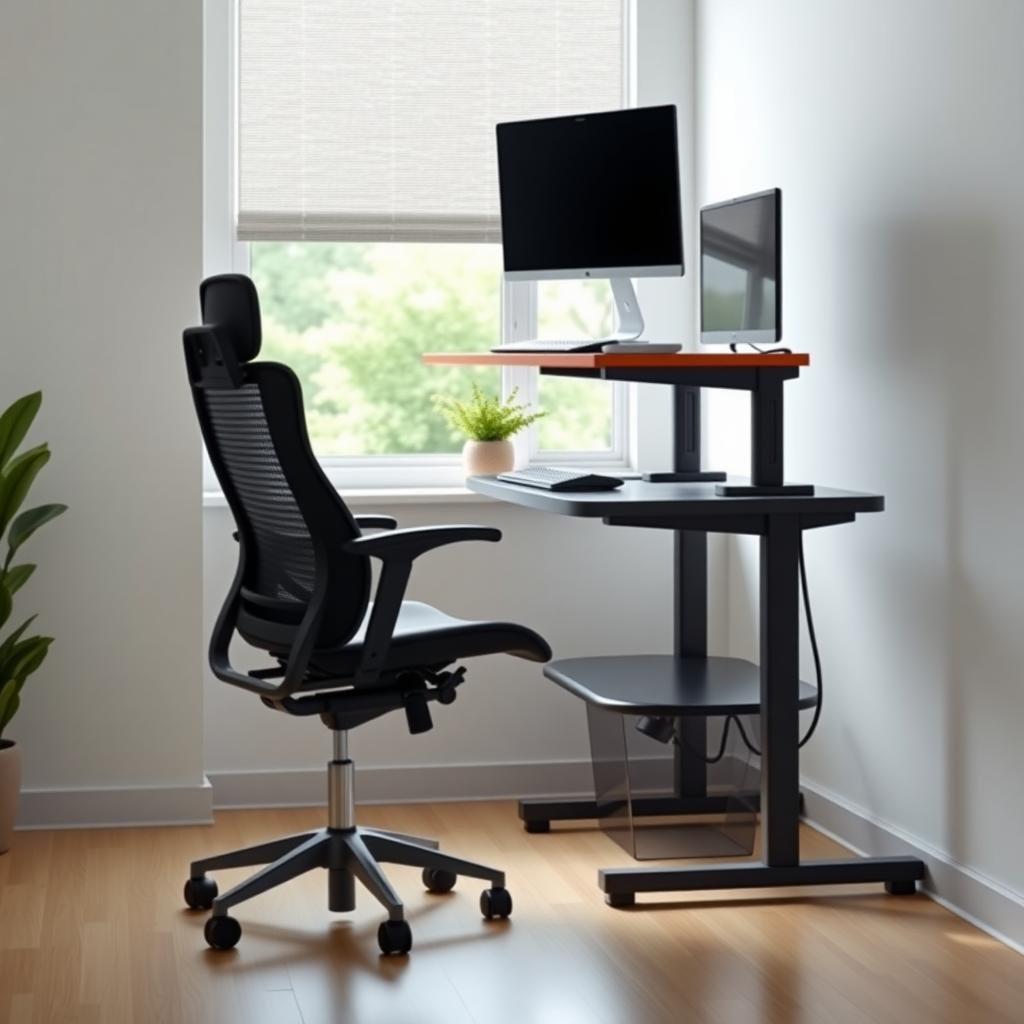
Your chair and desk are the foundation of an ergonomic home office. A good chair supports your spine’s natural curve and keeps your feet flat on the ground. Look for adjustable features—seat height, lumbar support, and armrests. I learned this the hard way after using a non-adjustable chair that left me slouching. My current chair, with customizable settings, feels like a game-changer.
Desks matter just as much. A height-adjustable desk lets you switch between sitting and standing, reducing strain from long hours of sitting. If a standing desk isn’t in your budget, a sturdy table at elbow height works, paired with a footrest if needed.
Tips for Selecting Ergonomic Furniture
- Chairs: Choose one with adjustable height (your thighs should be parallel to the floor) and lumbar support. Test it if possible—comfort is personal.
- Desks: Aim for a desk height of 29-30 inches for most people. Standing desks should adjust to elbow height for standing work.
- Accessories: Consider a footrest or anti-fatigue mat if you stand often.
Investing in office furniture for ergonomic workstations pays off in comfort and health. Don’t skimp here—your body will thank you.
How to Set Up Your Monitor for Comfort
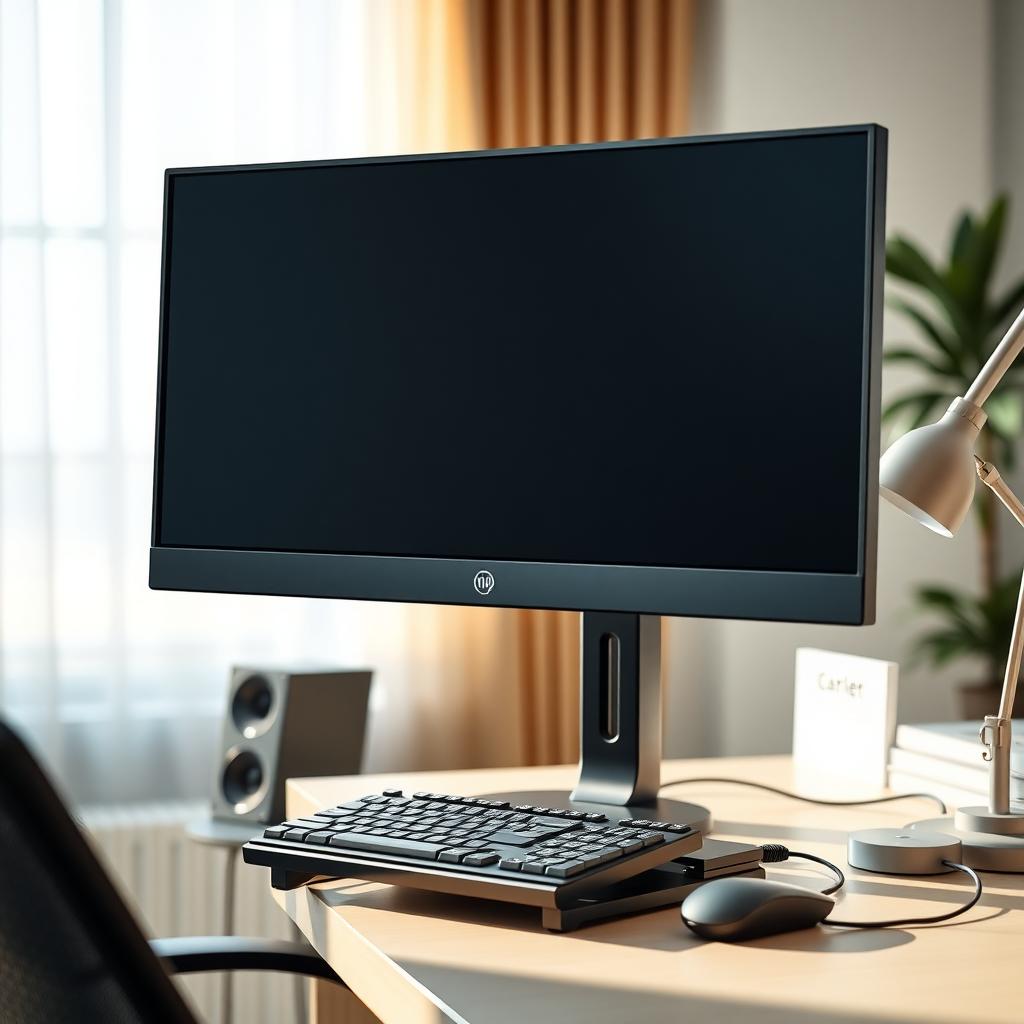
Your monitor’s position can make or break your ergonomic setup. A poorly placed screen forces you to crane your neck or squint, leading to strain. When I first set up my home office, my monitor was too low, and I ended up with constant neck pain. Adjusting it made a huge difference.
Here’s how to get it right:
- Height: The top of your monitor should be at or just below eye level. This keeps your neck neutral. Use a monitor stand or stack books if needed.
- Distance: Place the monitor 20-30 inches from your eyes—about an arm’s length. Too close, and you’ll strain your eyes; too far, and you’ll lean forward.
- Angle: Tilt the screen slightly (10-20 degrees) to reduce glare and keep your head in a natural position.
If you use multiple monitors, align them in a slight arc, with the primary screen directly in front. For laptops, a separate keyboard and mouse paired with a stand can elevate the screen to the right height.
Quick Monitor Setup Checklist
| Aspect | Recommendation |
|---|---|
| Height | Top of screen at eye level |
| Distance | 20-30 inches from eyes |
| Angle | 10-20 degree tilt |
| Lighting | Avoid glare; use soft, indirect light |
Following these steps for How to Set Up Your Monitor for Comfort will reduce eye strain and neck pain, making long workdays more bearable.
Beyond Furniture: Small Changes for Big Impact
Ergonomics isn’t just about furniture—it’s about how you use your space. Small tweaks to your habits can prevent discomfort. For example, I used to sit for hours without moving, which left me stiff. Now, I set a timer to stand and stretch every 30 minutes. It’s simple but effective.
Here are some easy adjustments: - Posture: Sit with your back straight, shoulders relaxed, and feet flat. Avoid crossing your legs—it can strain your hips. - Keyboard and Mouse: Keep them close enough that your elbows stay at a 90-degree angle. A keyboard tray helps. - Breaks: Stand, stretch, or walk for 1-2 minutes every half-hour. It boosts circulation and reduces fatigue. - Lighting: Use soft, indirect light to avoid eye strain. Position your desk near a window for natural light, but avoid direct glare.
Avoiding Common Mistakes
One mistake I made early on was ignoring my bed as a workspace. It’s tempting to work from bed, but it’s terrible for your posture. Your spine slumps, and your neck cranes awkwardly. Save your bed for sleep and set up a dedicated workspace, even if it’s a small corner.
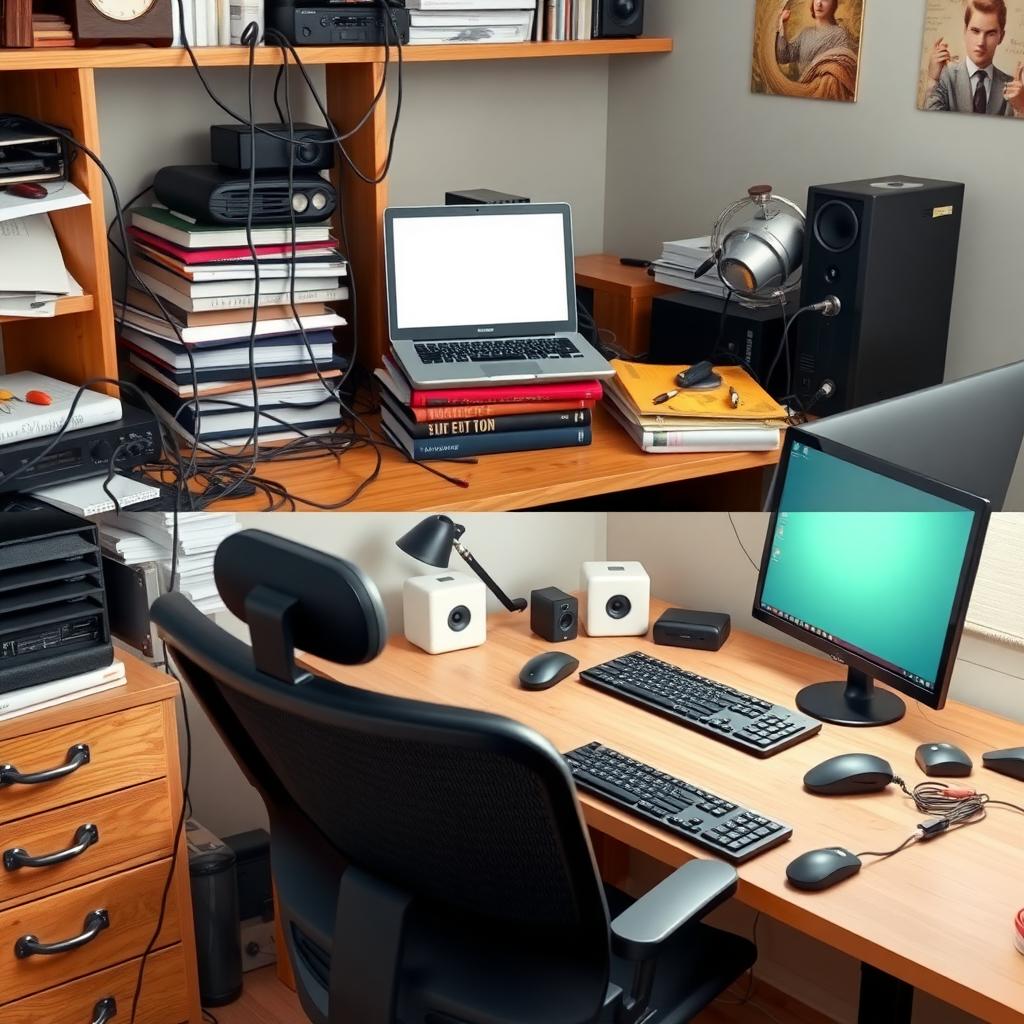
Another pitfall is neglecting cable management. Tangled cords can clutter your desk and make it harder to adjust your setup. Use cable clips or sleeves to keep things tidy.
Incorporating Movement into Your Day
Even the best ergonomic setup can’t counteract sitting all day. Movement is key. I started doing desk stretches—simple shoulder rolls and wrist stretches—and they’ve helped me stay loose. You can also try a standing desk converter for part of the day. Research from the Mayo Clinic suggests standing for 15-30 minutes every hour can reduce back pain and improve focus.
If you’re new to standing desks, ease into it. I tried standing for hours right away and ended up with sore feet. Start with 20-minute intervals and build up.
Summary
Creating an ergonomic home office takes effort, but it’s worth it. By choosing the right office furniture for ergonomic workstations, setting up your monitor correctly, and making small habit changes, you can work comfortably and protect your health. Start with one change—like adjusting your monitor height—and build from there. Your body and productivity will thank you.