









Featured Post
The Impact of Ergonomics on Productivity: Boosting Efficiency Through Smart Design
Overview
Ergonomics, the science of designing workspaces to fit the human body, plays a critical role in boosting productivity. By prioritizing comfort and reducing physical strain, ergonomic setups help workers stay focused and efficient. This article explores The Impact of Ergonomics on Productivity, offering actionable insights for creating healthier, more productive work environments.
Why Ergonomics Matters
Imagine sitting at your desk for eight hours, hunched over a keyboard, with a chair that digs into your back. Your shoulders ache, your wrists tingle, and your focus fades. This is the reality for many workers in poorly designed workspaces. Ergonomics addresses these issues by aligning furniture, tools, and tasks with the body’s natural movements.
Poor ergonomics leads to discomfort, fatigue, and even injury. Repetitive strain injuries, like carpal tunnel syndrome, can sideline employees for weeks. According to the Occupational Safety and Health Administration (OSHA), ergonomic improvements can reduce workplace injuries by up to 50%. Fewer injuries mean less downtime and higher productivity.
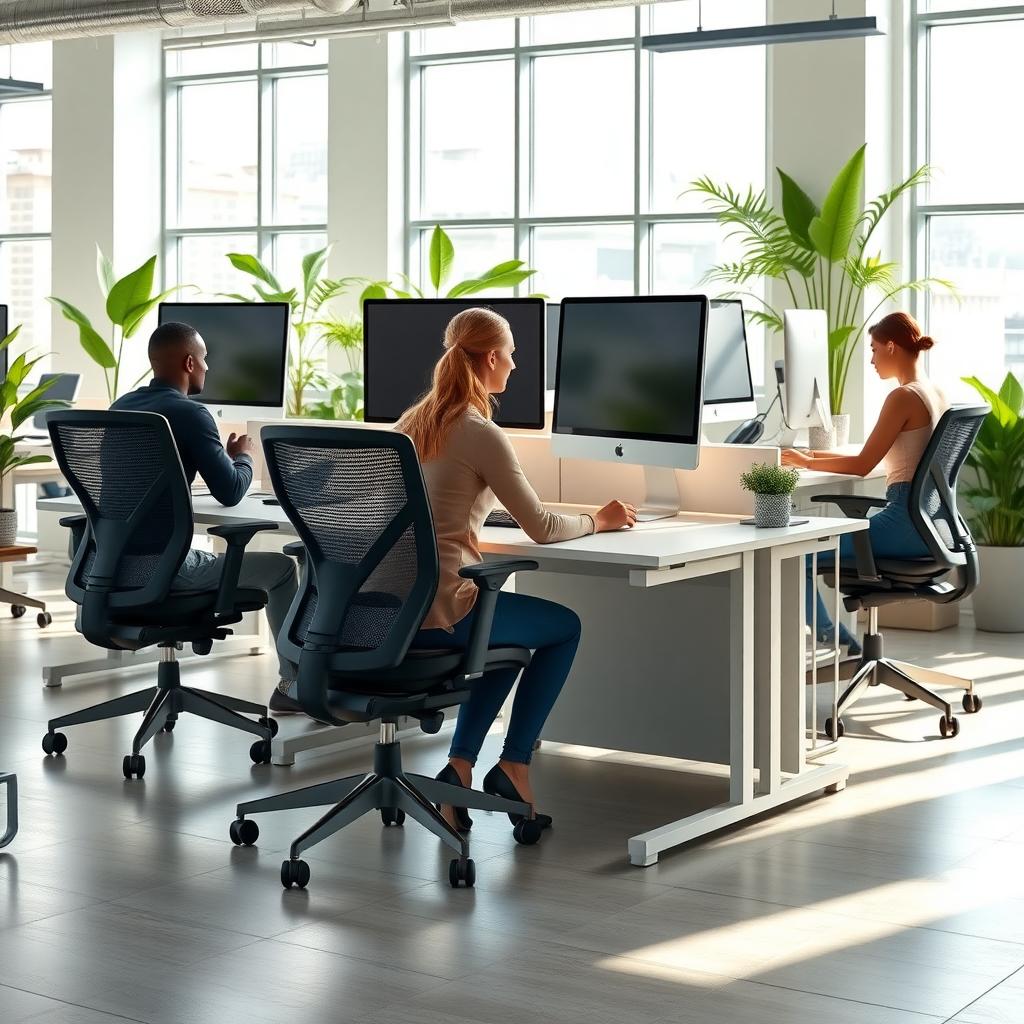
How Ergonomics Boosts Productivity
Ergonomics isn’t just about comfort—it’s about efficiency. When your body feels good, your mind can focus. Here’s how ergonomic design directly impacts productivity:
- Reduced Physical Strain: Properly adjusted chairs and desks prevent muscle fatigue, allowing workers to maintain energy throughout the day.
- Improved Focus: A comfortable workspace minimizes distractions from pain or discomfort, helping employees stay on task.
- Fewer Breaks: When workers aren’t constantly adjusting their posture or stretching sore muscles, they spend more time working.
- Enhanced Mood: A well-designed workspace feels inviting, boosting morale and motivation.
For example, I once worked in an office with mismatched chairs and desks. My back ached daily, and I’d lose focus by mid-afternoon. Switching to an ergonomic chair with lumbar support and a height-adjustable desk changed everything. I could work longer without discomfort, and my output increased noticeably.
Key Elements of an Ergonomic Workstation
Creating an ergonomic workspace doesn’t require a complete overhaul. Small changes can make a big difference. Here’s a breakdown of essential components:
| Component | Ergonomic Features | Benefits |
|---|---|---|
| Chair | Adjustable height, lumbar support, armrests | Supports spine, reduces back pain |
| Desk | Height-adjustable, spacious surface | Allows standing or sitting, prevents clutter |
| Monitor | Eye-level positioning, tilt adjustment | Reduces neck strain, improves posture |
| Keyboard | Ergonomic design, wrist rest | Minimizes wrist strain, enhances typing comfort |
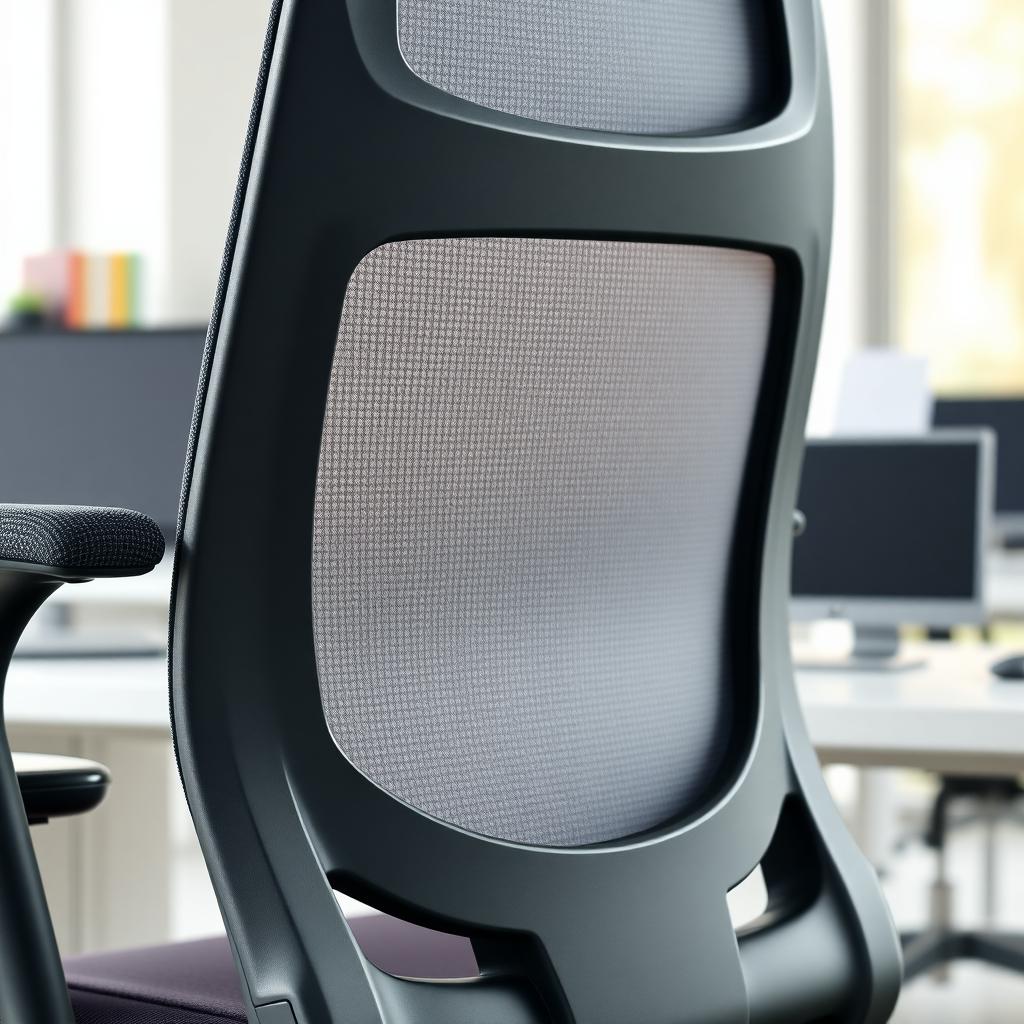
When choosing office furniture for ergonomic workstations, prioritize adjustability. A one-size-fits-all approach doesn’t work—every body is different. Look for chairs with customizable lumbar support and desks that allow users to switch between sitting and standing.
Beyond the Office: Ergonomics at Home
Ergonomics isn’t limited to the office. With remote work on the rise, your home workspace matters just as much. Many people repurpose dining tables or even their bed as makeshift desks, but this can lead to serious discomfort. Slouching on a bed while working might feel cozy at first, but it strains your neck and back over time.
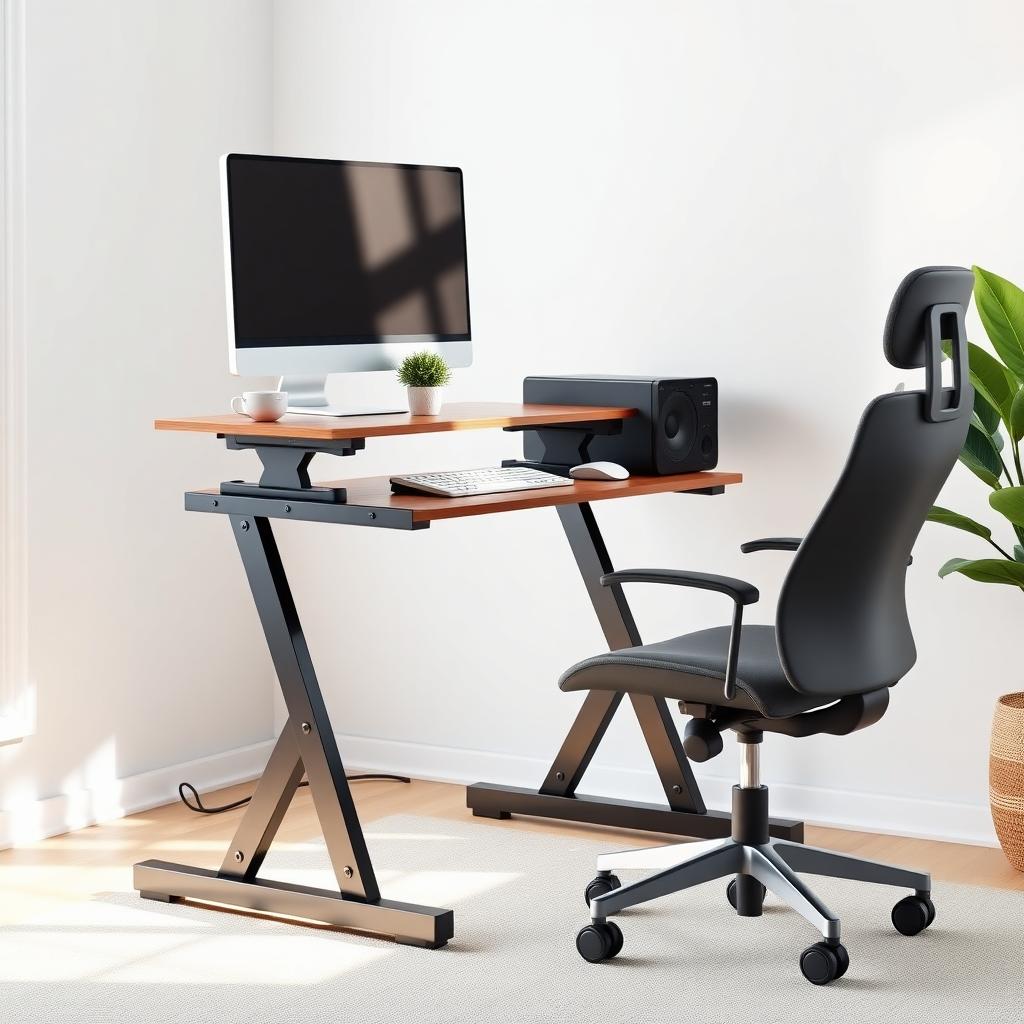
Investing in proper furniture for your home office can replicate the benefits of a professional setup. A small adjustable desk and an ergonomic chair can transform a corner of your home into a productivity hub. For instance, I set up a compact standing desk in my apartment, and it’s been a game-changer for staying alert during long work sessions.
Practical Tips for Implementing Ergonomics
Ready to make your workspace more ergonomic? Here are actionable steps to get started:
- Adjust Your Chair: Ensure your feet are flat on the floor, knees at a 90-degree angle, and lower back supported.
- Position Your Monitor: Keep the top of the screen at eye level, about an arm’s length away.
- Use a Keyboard Tray: This keeps your wrists straight and reduces strain.
- Take Breaks: Stand, stretch, or walk every 30-60 minutes to prevent stiffness.
- Incorporate Movement: Consider a standing desk or a balance board to stay active.
These changes don’t have to break the bank. Many affordable options for office furniture for ergonomic workstations are available online or at local retailers. Start small, like adding a wrist rest or adjusting your chair, and build from there.
The Science Behind Ergonomics
Research backs the connection between ergonomics and productivity. A 2018 study published in the Journal of Occupational and Environmental Medicine found that ergonomic interventions improved worker productivity by 12-18% in office settings. Another study from Cornell University showed that employees using ergonomic keyboards reported a 50% reduction in wrist pain, leading to fewer sick days.
These findings make sense when you consider the ripple effect. Less pain means fewer distractions, which leads to better focus and higher output. Companies that invest in ergonomic solutions often see a return through reduced healthcare costs and improved employee satisfaction.
Common Mistakes to Avoid
Even with the best intentions, it’s easy to get ergonomics wrong. Here are pitfalls to watch out for:
- Ignoring Adjustability: Fixed-height desks or non-adjustable chairs limit customization.
- Poor Monitor Placement: Placing screens too high or low strains the neck.
- Skipping Breaks: Sitting for hours, even in an ergonomic chair, can cause stiffness.
- Cluttered Desks: A messy workspace forces awkward postures to reach items.
I learned this the hard way when I bought a “budget” ergonomic chair that lacked proper lumbar support. It looked sleek but left me sore after a few hours. Investing in quality furniture designed for ergonomics is worth the cost for long-term comfort.
Summary
The Impact of Ergonomics on Productivity is undeniable. By prioritizing comfort through smart furniture choices and workspace adjustments, you can work smarter, not harder. From reducing physical strain to boosting focus, ergonomic design transforms how we work. Start with small changes, like adjusting your chair or monitor, and watch your productivity soar.