









Featured Post
The Importance of Ergonomics in the Workplace: Boosting Health and Productivity
Overview
The Importance of Ergonomics in the Workplace cannot be overstated. A well-designed workspace reduces physical strain, boosts productivity, and enhances employee well-being. From choosing the right office chair to incorporating standing desks, ergonomic solutions create healthier work environments that benefit both employees and businesses.
Why Ergonomics Matters
Picture this: you’re halfway through your workday, and your back aches, your wrists feel stiff, and your neck screams for relief. Sound familiar? I’ve been there, slouching in a poorly designed chair, wondering why I felt so drained by 3 p.m. That’s when I realized ergonomics isn’t just a buzzword—it’s a game-changer.
Ergonomics is the science of designing workspaces to fit the human body. It’s about creating environments that support natural postures, minimize strain, and maximize comfort. According to a study by the Occupational Safety and Health Administration (OSHA), ergonomic interventions can reduce musculoskeletal disorders by up to 60%. These disorders, like carpal tunnel syndrome or lower back pain, often stem from repetitive tasks or poor workstation setups.
Beyond physical health, ergonomics impacts mental well-being. A comfortable workspace helps you focus, reduces fatigue, and even sparks creativity. Businesses benefit too—healthier employees take fewer sick days and perform better. Investing in ergonomics is a win-win.
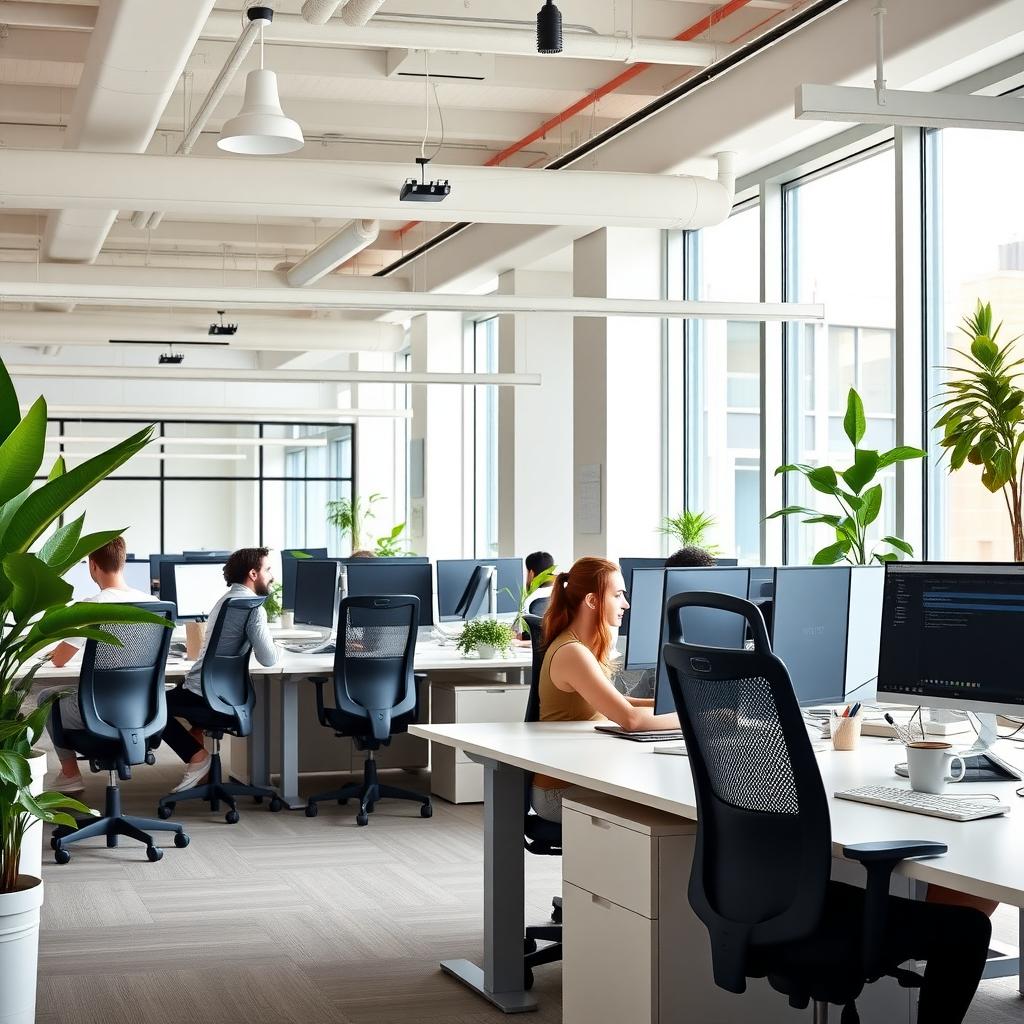
Choosing the Right Office Chair for Your Needs
Your office chair is the cornerstone of an ergonomic workstation. I learned this the hard way after years of using a cheap chair that left me stiff and sore. A good chair supports your spine, promotes good posture, and adapts to your body’s needs.
Here’s what to look for when Choosing the Right Office Chair for Your Needs:
- Adjustability: Ensure the chair has adjustable height, armrests, and lumbar support. This allows you to customize it to your body.
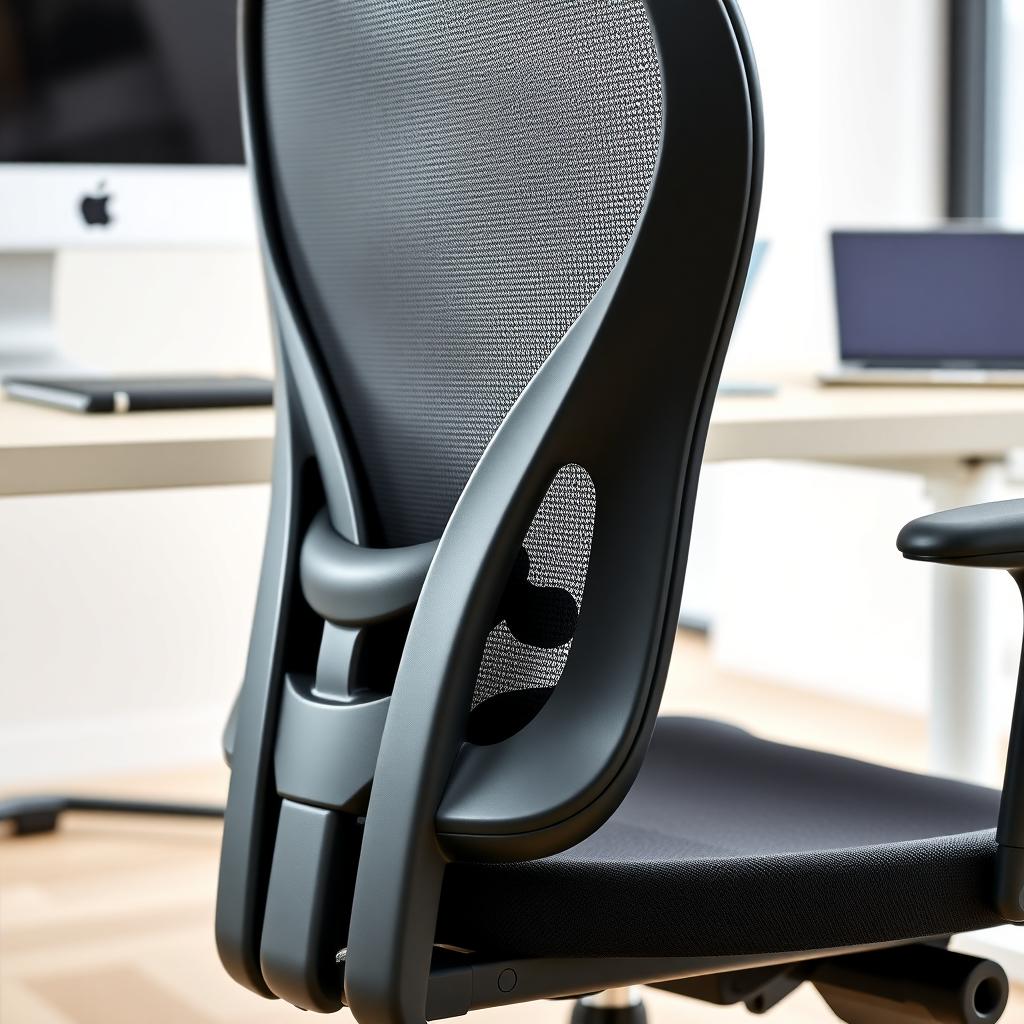
- Lumbar Support: A chair with a contoured backrest supports the natural curve of your spine, reducing lower back strain.
- Seat Depth and Width: The seat should allow you to sit with your back against the backrest while leaving a small gap behind your knees.
- Material: Breathable fabrics prevent discomfort during long hours.
A study from Cornell University’s Ergonomics Department found that adjustable chairs reduce back pain by aligning the spine properly. Test chairs before buying, if possible, and prioritize comfort over aesthetics. Your body will thank you.
Standing Desks: Benefits and Tips
Standing desks have exploded in popularity, and for good reason. I switched to a standing desk two years ago, and the difference was immediate—less back pain, more energy, and better focus. But are they worth the hype?
Standing Desks: Benefits and Tips start with understanding their impact. Standing desks encourage movement, which is key to countering the risks of prolonged sitting. A report by the American Heart Association notes that sitting for over six hours daily increases the risk of heart disease and obesity. Standing desks help by:
- Improving Posture: They encourage a neutral spine position, reducing slouching.
- Boosting Energy: Standing promotes blood flow, keeping you alert.
- Reducing Pain: Alternating between sitting and standing eases pressure on your back and joints.
To make the most of a standing desk:
- Start Slow: Begin with 20-30 minutes of standing per hour and gradually increase.
- Use a Mat: An anti-fatigue mat reduces leg strain.
- Adjust Height: Your elbows should form a 90-degree angle when typing.
- Move Regularly: Shift positions, stretch, or walk briefly to avoid stiffness.
Standing desks aren’t a cure-all, but they’re a powerful tool when used correctly.
Top Office Furniture Trends for Health and Comfort
The world of Top Office Furniture Trends for Health and Comfort is evolving fast. Offices are moving away from rigid, one-size-fits-all setups to flexible, employee-centered designs. Here are the trends shaping ergonomic workstations:
| Trend | Description | Benefit |
|---|---|---|
| Modular Furniture | Desks and chairs that adapt to different tasks | Versatility for dynamic workstyles |
| Biophilic Design | Incorporating plants and natural light | Reduces stress and boosts mood |
| Smart Furniture | Desks with built-in height adjustment or posture sensors | Promotes movement and real-time adjustments |
| Collaborative Spaces | Flexible seating for team interactions | Encourages creativity and comfort |
I’ve seen biophilic design in action at a friend’s office, where plants and large windows transformed a sterile space into a calming, productive hub. These trends aren’t just stylish—they prioritize health and comfort, making them essential for modern workplaces.
Building an Ergonomic Workstation
Creating a workspace with office furniture for ergonomic workstations goes beyond chairs and desks. It’s about designing a setup that works for you. Here’s how to do it:
- Monitor Placement: Position your screen at eye level, about an arm’s length away. This reduces neck strain.
- Keyboard and Mouse: Keep them at a height where your elbows are at 90 degrees. Consider an ergonomic keyboard to reduce wrist strain.
- Lighting: Use soft, natural light to avoid eye fatigue. Avoid glare on your screen.
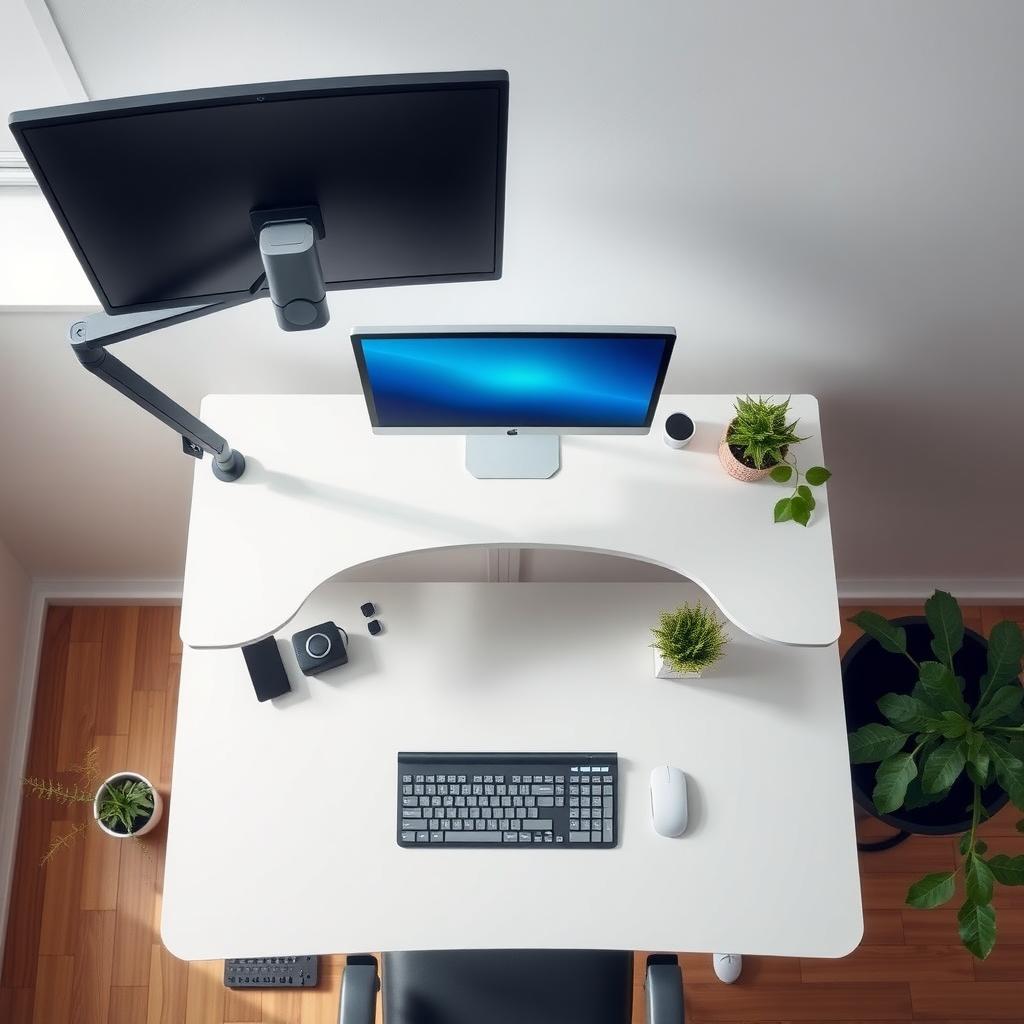
- Accessories: Footrests, wrist rests, or monitor arms can fine-tune your setup.
When I redesigned my home office, I invested in a monitor arm and an ergonomic keyboard. The difference was night and day—less wrist pain and fewer headaches. A guide from the University of California, Los Angeles (UCLA) emphasizes that small adjustments, like monitor height, can reduce strain by up to 40%.
Common Ergonomic Mistakes to Avoid
Even with the best intentions, it’s easy to make mistakes. Here are pitfalls I’ve encountered and how to avoid them:
- Ignoring Adjustability: Buying non-adjustable furniture limits customization. Always choose adjustable options.
- Overusing Standing Desks: Standing too long can cause leg fatigue. Alternate between sitting and standing.
- Poor Posture Habits: Even the best chair won’t help if you slouch. Check your posture hourly.
- Skipping Breaks: Sitting or standing for hours without moving is harmful. Set reminders to stretch or walk.
I used to skip breaks, thinking I was being productive. But short walks every hour boosted my energy and focus. Small changes make a big difference.
Summary
The Importance of Ergonomics in the Workplace lies in its ability to enhance health, comfort, and productivity. By choosing the right office chair, incorporating standing desks, and following the latest furniture trends, you can create a workspace that supports your body and mind. Start small—adjust your chair, tweak your monitor height, or try standing for part of your day. Over time, these changes add up to a healthier, happier you.