









Featured Post
Standing Desks: Are They Worth It?
Overview: Are Standing Desks Worth the Hype?
Standing desks have become a hot topic in offices and home workspaces. Promising better health, improved focus, and a modern vibe, they’re marketed as a game-changer. But are they really worth it? This article dives into the pros, cons, and practical tips for using standing desks effectively.
Why Standing Desks Gained Popularity
A few years ago, I noticed my back aching after long hours at my desk. Like many, I started researching solutions and stumbled across standing desks. The idea of standing while working felt refreshing, especially with studies linking prolonged sitting to health issues like obesity and heart disease. According to the Mayo Clinic, sitting for extended periods can increase health risks, even if you exercise regularly. Standing desks seemed like a simple fix to break the sedentary cycle.
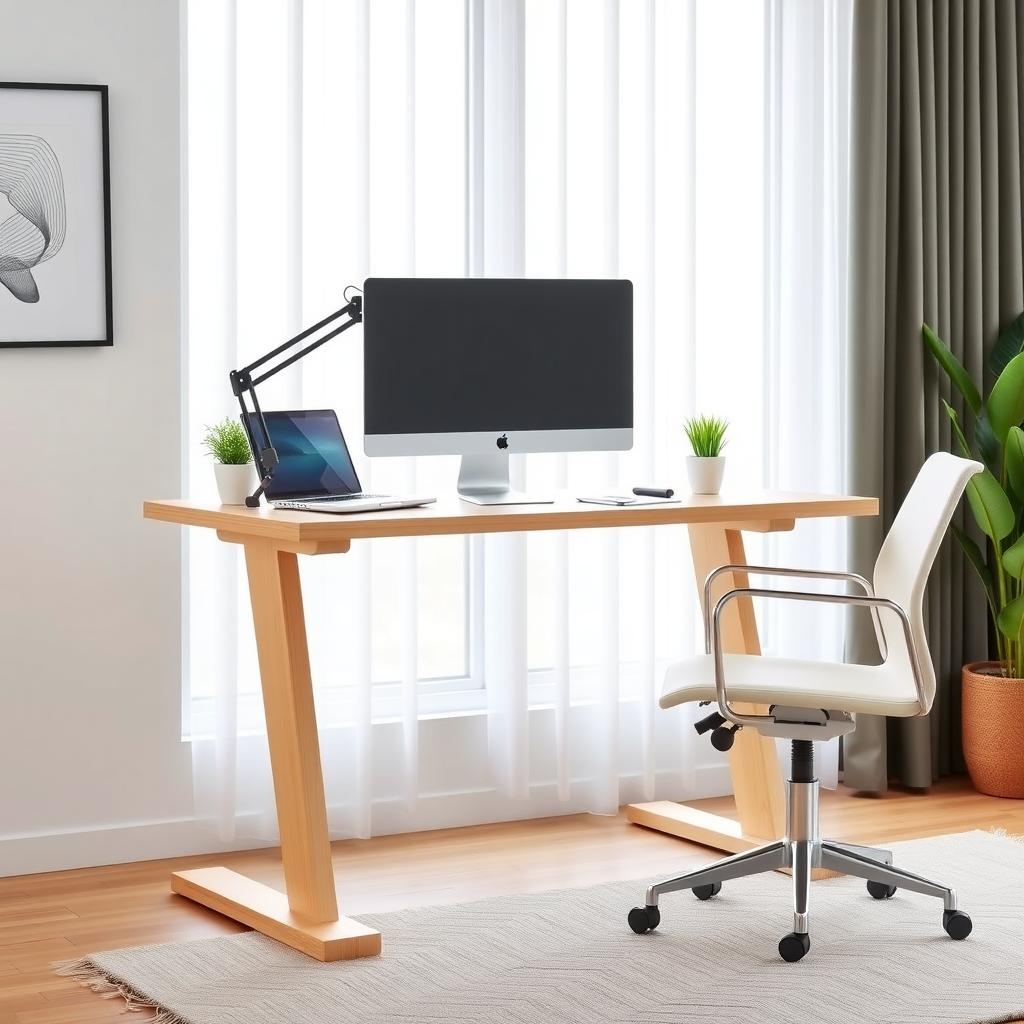
The appeal isn’t just health-driven. Standing desks add a sleek, modern look to any workspace, blending well with office furniture for ergonomic workstations. They’re adjustable, letting you switch between sitting and standing, which feels like a win for flexibility. But before I invested, I wanted to know if the benefits matched the hype.
The Benefits of Standing Desks
After using a standing desk for six months, I noticed real changes. Here are the key benefits I experienced:
- Improved Posture: Standing encouraged me to keep my shoulders back and spine aligned, reducing slouching.
- Increased Energy: Standing kept me more alert, especially during afternoon slumps.
- Reduced Back Pain: Alternating between sitting and standing eased my lower back discomfort.
- Boosted Productivity: I felt more engaged while standing, especially during creative tasks.
Research backs this up. A 2018 study in the Journal of Occupational and Environmental Medicine found that standing desk users reported less fatigue and higher engagement. The ability to switch positions also promotes movement, which is crucial for circulation and muscle health. For me, it wasn’t just about health—it was about feeling better while working.
The Drawbacks to Consider
Standing desks aren’t perfect. When I first started, I overdid it, standing for hours without breaks. My feet ached, and my knees felt stiff. Experts recommend easing into standing, starting with 20-30 minute intervals. Standing too long can strain your legs or back, especially without proper footwear or an anti-fatigue mat.
Cost is another hurdle. Quality standing desks range from $200 to over $1,000, which can feel steep compared to traditional office furniture. Cheaper models might wobble or lack smooth height adjustments, which can be frustrating. I learned this the hard way when my budget desk creaked during Zoom calls.
How to Set Up Your Monitor for Comfort
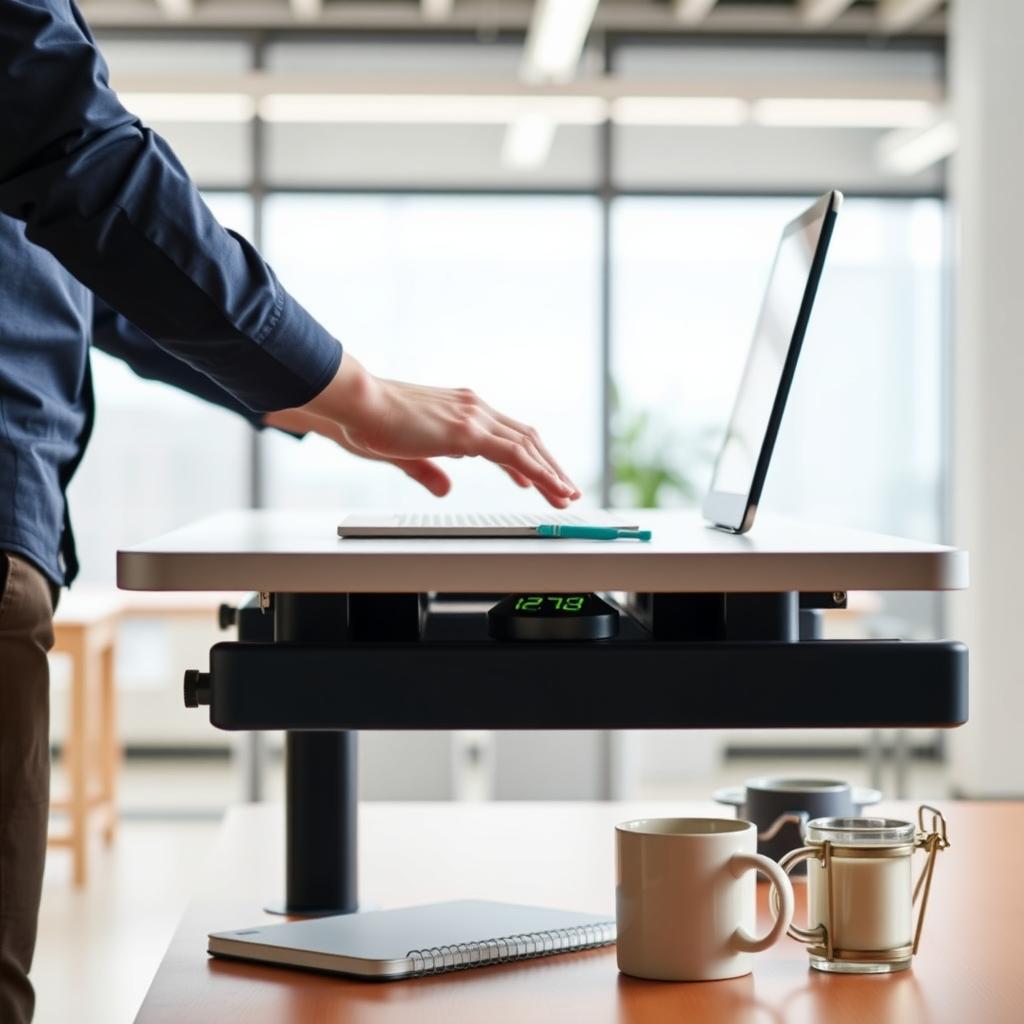
A standing desk is only as good as its setup. One of the biggest mistakes I made was ignoring monitor height. If your screen is too low or high, you’ll strain your neck, defeating the ergonomic purpose. Here’s how to set up your monitor for comfort:
1. Position the Top of the Screen at Eye Level: This keeps your neck neutral. Use a monitor arm or stack books if needed.
2. Maintain a 20-30 Inch Distance: Your eyes shouldn’t strain to focus.
3. Angle the Screen Slightly Upward: A 10-20 degree tilt reduces glare and eye fatigue.
4. Use a Separate Keyboard and Mouse: This lets you adjust your arms independently, keeping them relaxed.
I invested in a monitor arm, which was a game-changer. It let me tweak the height and angle effortlessly, whether sitting or standing. If you’re using a laptop, consider a stand to elevate the screen and an external keyboard for flexibility.
Creating an Ergonomic Workstation
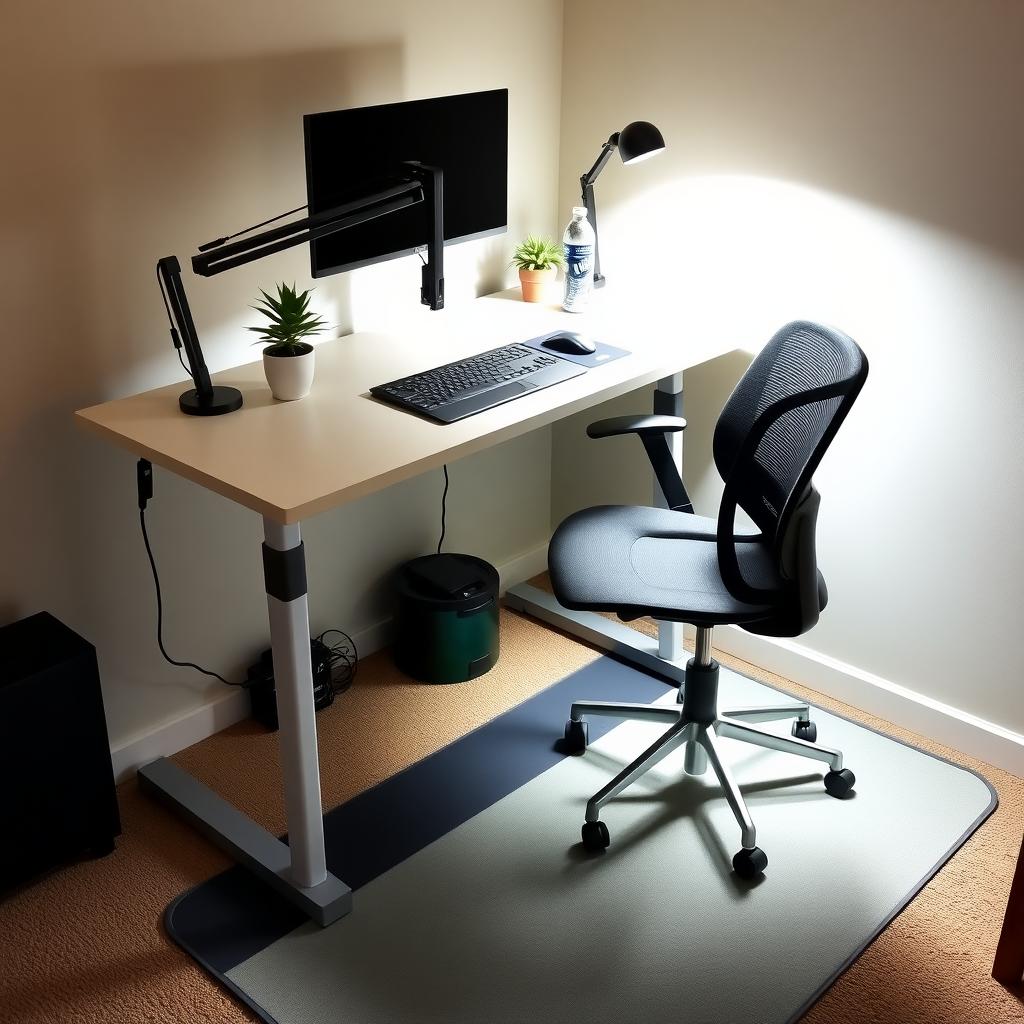
Standing desks are just one piece of the puzzle. To build a truly ergonomic setup, consider these additions:
| Element | Why It Matters | Recommendation |
|-------------|-------------------|-------------------|
| Anti-Fatigue Mat | Reduces foot and leg strain | Thick, cushioned mat |
| Ergonomic Chair | Supports sitting posture | Adjustable lumbar support |
| Cable Management | Keeps workspace tidy | Under-desk trays or clips |
| Proper Lighting | Reduces eye strain | Natural light or adjustable desk lamp |
I also learned to pair my standing desk with short walks or stretches every hour. This combo kept me energized and prevented stiffness. If you’re transitioning from a traditional desk, think about how your office furniture for ergonomic workstations can integrate with your existing setup, like your chair or storage.
Are Standing Desks Worth It?
For me, the answer is yes—but with caveats. Standing desks shine when used correctly, with proper setup and moderation. They’re not a cure-all, and they won’t replace exercise or good habits. If you’re on a budget, start with a converter that sits on your existing desk before splurging on a full standing model.
They also don’t replace the need for a comfortable chair or even a supportive bed for restful sleep, which is just as critical for health. I found that combining my standing desk with other ergonomic furniture created a balanced workspace that felt sustainable.
Tips for Success
Here’s what I wish I knew before starting:
- Start slow: Stand for 20-30 minutes, then sit. Gradually increase standing time.
- Invest in quality: A sturdy desk and mat make a big difference.
- Listen to your body: If you’re sore, adjust your setup or routine.
- Move regularly: Standing isn’t enough—walk or stretch hourly.
Summary: Making the Right Choice
Standing desks can improve posture, energy, and comfort, but they’re not a one-size-fits-all solution. With the right setup, including a properly positioned monitor and ergonomic office furniture, they can transform your workspace. Weigh the costs, start small, and prioritize movement to decide if they’re worth it for you.