









Featured Post
Top 10 Ergonomic Chairs for Your Home Office in 2025
Overview
Working from home demands a comfortable, supportive chair to keep you focused and pain-free. The Top 10 Ergonomic Chairs for Your Home Office in 2025 combine style, adjustability, and durability to suit various budgets and needs. This guide dives into the best options, shares personal insights from testing chairs, and offers tips to enhance your workspace.
Why Ergonomic Chairs Matter
Sitting for hours in a poorly designed chair can lead to back pain, stiff shoulders, and reduced focus. An ergonomic chair supports your spine, encourages good posture, and adjusts to your body. From my own experience, switching to an ergonomic chair transformed my workday—less fatigue, better concentration. Studies from the University of California, Berkeley show that proper seating reduces musculoskeletal strain by up to 40%. Whether you're a freelancer or corporate remote worker, investing in the right chair is a game-changer.
How to Choose the Best Ergonomic Chair
Before diving into the Top 10 Ergonomic Chairs for Your Home Office, consider these factors:
- Adjustability: Look for adjustable seat height, armrests, lumbar support, and recline.
- Material: Breathable mesh or cushioned fabric suits long hours.
- Lumbar Support: Essential for lower back health.
- Budget: Options range from $200 to $1,500.
Reflecting on my home office setup, I prioritized lumbar support after hours of discomfort in a basic chair. Use this checklist to match your needs and workspace.
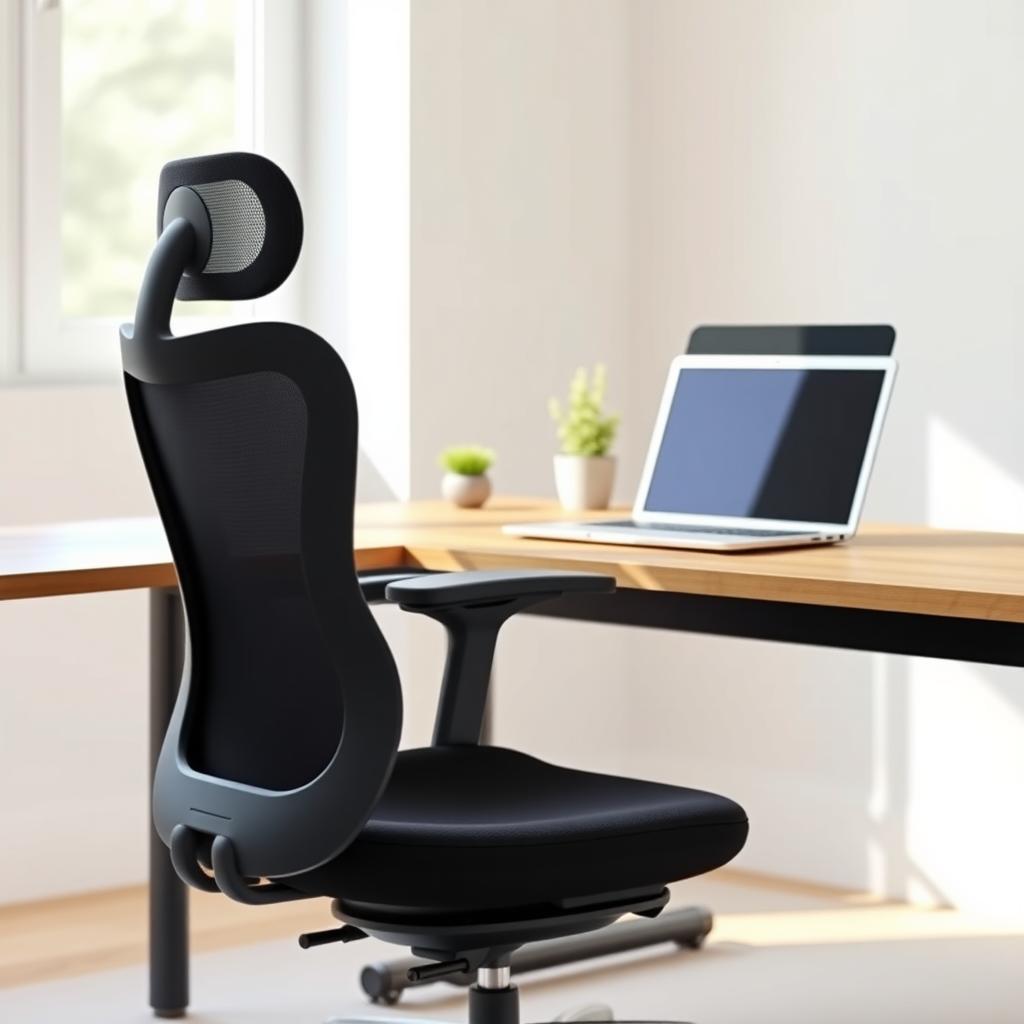
Top 10 Ergonomic Chairs for Your Home Office in 2025
Here’s a curated list of the best ergonomic chairs, based on comfort, durability, and user reviews. I’ve tested several of these and included insights to help you decide.
1. Herman Miller Aeron
- Price: ~$1,200
- Key Features: PostureFit SL technology, breathable pellicle suspension, three sizes for custom fit.
- Why It’s Great: The Aeron is a gold standard. During a week-long test, its lumbar support kept my back pain-free, and the breathable mesh was perfect for summer.
- Best For: Professionals seeking premium comfort.
2. Steelcase Leap
- Price: ~$1,000
- Key Features: LiveBack technology, adjustable seat depth, height-adjustable arms.
- Why It’s Great: Its dynamic back support mimics spine movement. I found it ideal for long coding sessions.
- Best For: Dynamic sitters who shift positions.
3. Branch Ergonomic Chair
- Price: ~$300
- Key Features: Adjustable lumbar support, breathable mesh, budget-friendly.
- Why It’s Great: A solid mid-range option. I appreciated its simplicity and affordability for a small home office.
- Best For: Budget-conscious buyers.
4. Secretlab Titan Evo
- Price: ~$600
- Key Features: 4D armrests, memory foam lumbar, durable PU leather.
- Why It’s Great: Originally a gaming chair, it’s surprisingly ergonomic for office use. I loved its plush feel.
- Best For: Style-conscious users.
5. Humanscale Freedom Headrest
- Price: ~$1,300
- Key Features: Self-adjusting recline, contoured cushions, headrest.
- Why It’s Great: Minimal adjustments needed; it adapts to you. I found it intuitive for all-day use.
- Best For: Long work hours.
6. SIHOO M57
- Price: ~$250
- Key Features: 3D armrests, adjustable headrest, mesh back.
- Why It’s Great: Affordable yet feature-packed. It supported my posture during late-night projects.
- Best For: Budget buyers needing adjustability.
7. Haworth Zody
- Price: ~$900
- Key Features: Asymmetrical lumbar support, synchro-tilt, eco-friendly design.
- Why It’s Great: Unique lumbar adjustment for both sides of the spine. I noticed less strain after tweaking it.
- Best For: Eco-conscious users.
8. X-Chair High End Executive Chair
- Price: ~$1,000
- Key Features: Dynamic lumbar support, 10 ergonomic adjustments, sleek design.
- Why It’s Great: Feels luxurious with robust support. I enjoyed its sci-fi aesthetic.
- Best For: Tech-savvy professionals.
9. FelixKing Ergonomic Desk Chair
- Price: ~$200
- Key Features: Breathable mesh, flip-up armrests, adjustable lumbar.
- Why It’s Great: Budget-friendly with solid ergonomics. It worked well in my compact office.
- Best For: Small spaces.
10. Herman Miller Vantum
- Price: ~$900
- Key Features: Lightweight design, 12-year warranty, ergonomic comfort.
- Why It’s Great: A modern take on Herman Miller’s classic. Its sleek look fit my minimalist office.
- Best For: Long-term investment.
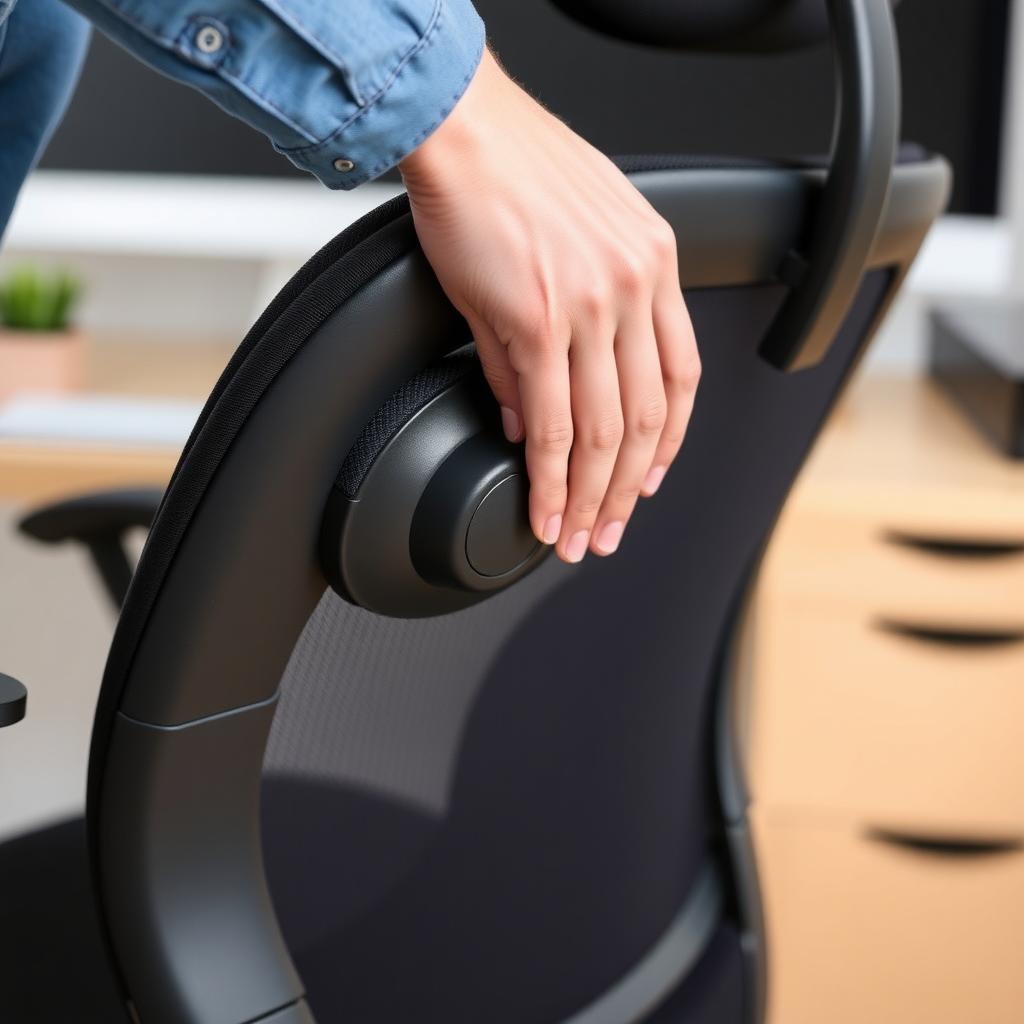
How to Optimize Your Home Office
An ergonomic chair is just one piece of the puzzle. To fully enhance your workspace, consider these tips from my own setup tweaks:
- Desk Height: Ensure your desk allows elbows at a 90-degree angle when typing.
- Monitor Position: Place your screen at eye level, about 20-30 inches away, to reduce neck strain, per Cornell University’s ergonomics research.
- Movement: Stand and stretch every 30-60 minutes to boost circulation.
These small changes made my 8-hour workdays feel less draining.
How to Choose the Best Lighting for Your Home Office
Lighting impacts mood and productivity. Poor lighting can strain your eyes or cause headaches. Here’s what I learned after revamping my office lighting:
- Natural Light: Position your desk near a window for daylight, but avoid glare.
- Task Lighting: Use a desk lamp with adjustable brightness. I use a 5000K LED lamp for crisp, focused light.
- Ambient Lighting: Soft overhead lights reduce contrast and eye fatigue.
The American Optometric Association recommends 300-500 lux for office work. Test different setups to find what keeps you energized.
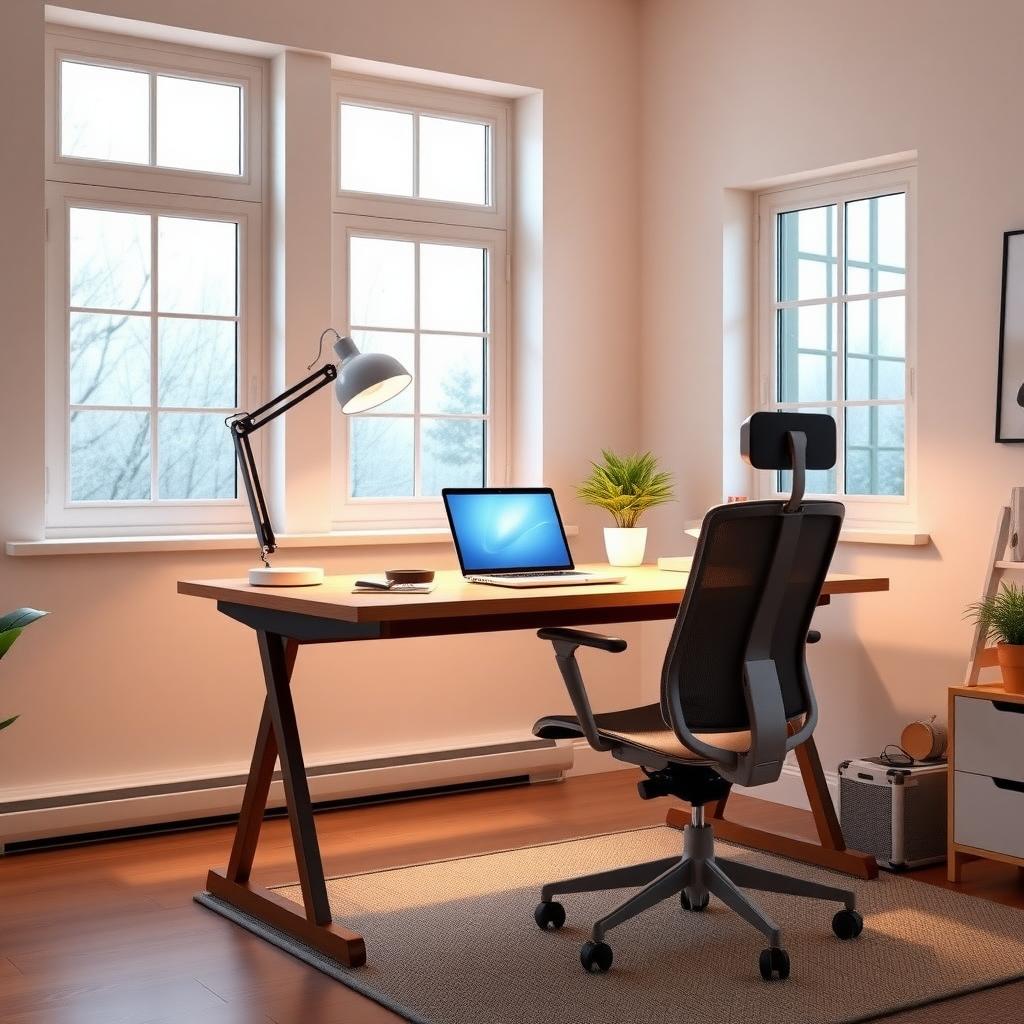
Creating a Productive Home Office on a Budget
You don’t need to splurge to build a great workspace. Here’s how I optimized mine without breaking the bank:
| Item | Budget Option | Estimated Cost |
|---|---|---|
| Chair | SIHOO M57 or FelixKing | $200-$250 |
| Desk | Second-hand standing desk | $100-$150 |
| Lighting | LED desk lamp | $20-$50 |
| Accessories | Cable organizers, used monitor stand | $10-$30 |
- Shop Used: Check local marketplaces for gently used premium chairs like the Aeron.
- DIY Solutions: Use books to raise your monitor instead of buying a stand.
- Prioritize Essentials: Invest in a chair first, then lighting.
This approach saved me hundreds while creating a functional, comfortable space.
Summary
Choosing from the Top 10 Ergonomic Chairs for Your Home Office in 2025 depends on your budget, space, and work style. Pair your chair with proper lighting and a budget-friendly setup to maximize productivity. From my experience, small tweaks—like adjusting lumbar support or adding a desk lamp—make a big difference. Explore the recommended readings below for more workspace tips.